Allworx Server User Guide Version 7.6
Page 18 1-866-ALLWORX * 585-421-3850
wwww.allworx.com
Revised: 11/25/13
Busy) to go to different destinations.
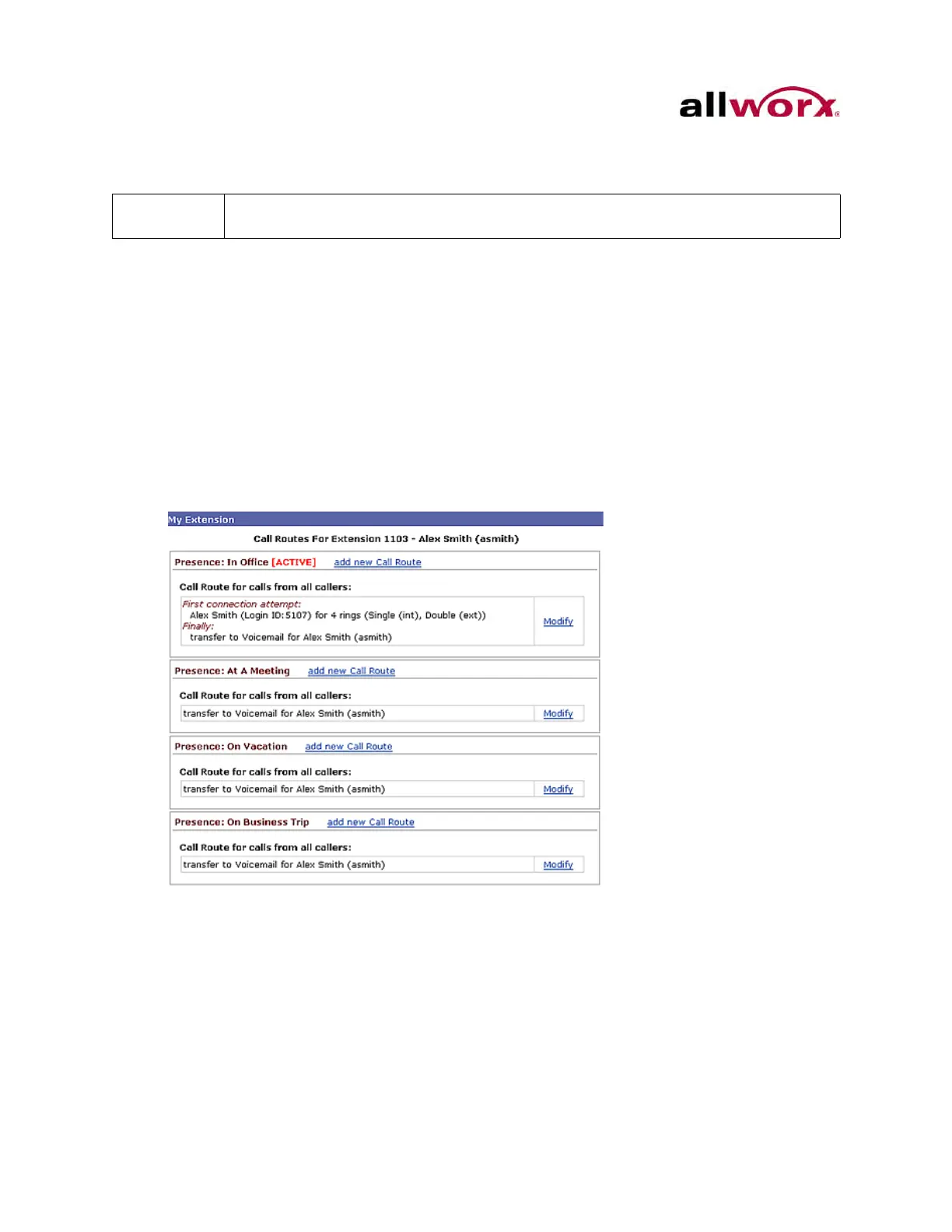
To configure the Basic Routing:
The building blocks of a call route are the Connection Attempts, Destinations, and Finally
route. In a typical call route (ring phone, forward to voicemail), there is one Connection
Attempt. The Destination is the handset of the primary extension and the Finally route is
the voicemail inbox.
1. Log in to My Allworx Manager. Select the My Extensions tab. The list of Presence
and Call Routes displays.
2. Locate the Presence and click the Modify link.
3. Locate the Call Routes section. The Call Route dialog box displays.
a. If there is no connection attempt, click the add a connection attempt link.
b. If the there is a connection attempt, click the add a destination link.
The Allworx Serve Administrator must configure permissions for users to define the
routing of their extensions.



 To Next Page