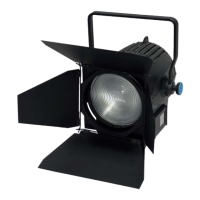
Product name.
17
ALPHA 3000
Color Mode Setup & RGB / Hue /
Saturation / White Adjust
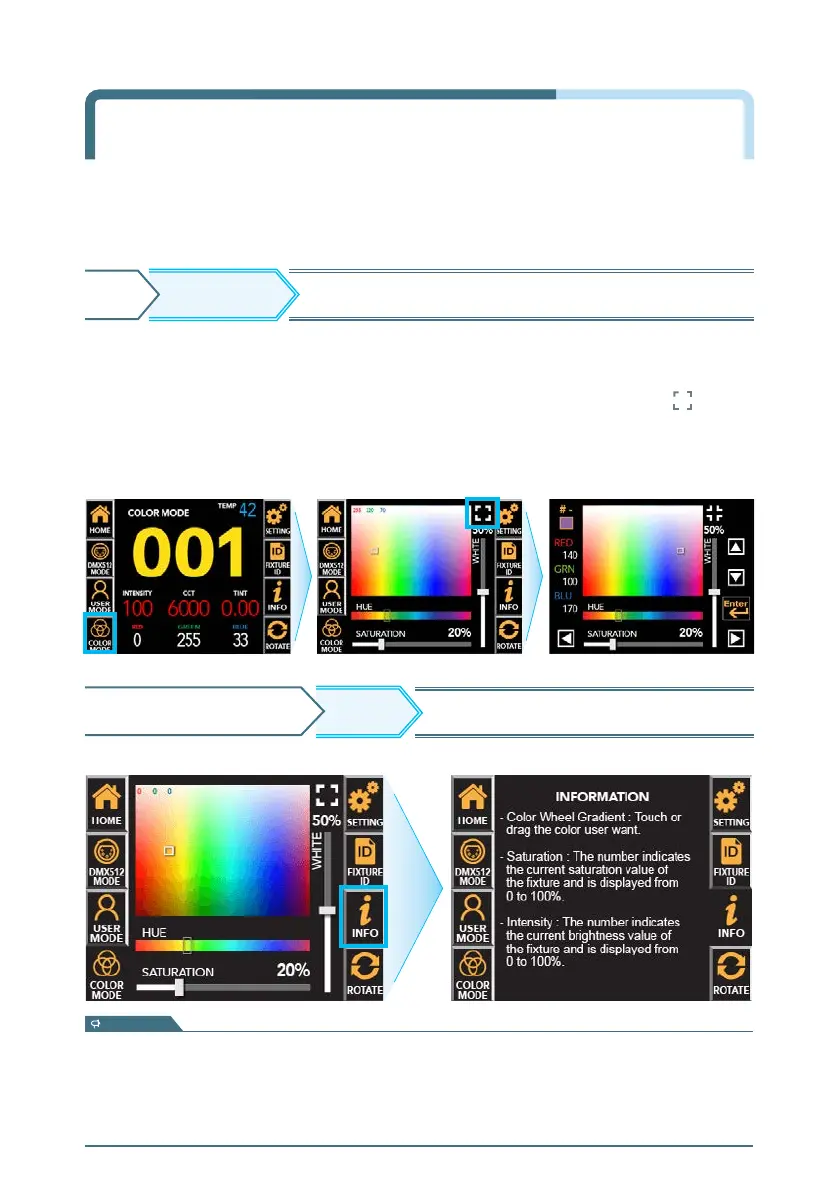
Move to user-operable screen to change Hue/Saturation
HOME
※ Press the INFO button again to return to the 'COLOR MODE' screen.
INFO
COLOR MODE SCREEN Displays description of each function.
- Color Wheel Gradient : Touch or drag the color user want
- Hue : Drag and select the Hue user want.
- Saturation : The number indicates the current saturation value of the fixture and is displayed from 0 to 100%.
- White :
The number indicates the current White LED brightness value of the fixture and is displayed from 0 to 100%.
information
COLOR MODE
COLOR MODE : It is used when the user directly manipulates the equipment.
COLOR MODE screen
▶
Touch the function you want to change
▶
Active in Orange
▶
Adjust the value with touch or drag.
- Individual RGB value adjustment and saving preset (#1~9) can be specified through the button.
- Fine adjustment of RGB values and the number of presets can be changed through the up, down,
left and right arrows.
After adjusting the desired value, press ‘Enter’ ▶ It returns to the COLOR MODE screen.


 To Next Page