2
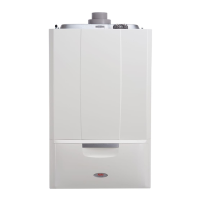
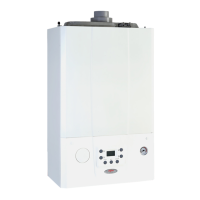
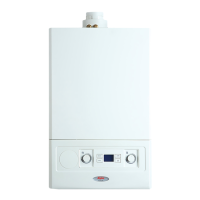
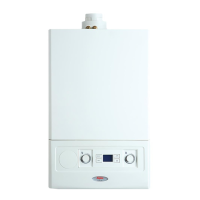
Alpha E-Tec Plus 28NX, 33NX and 38NX
Please read these instructions carefully before operating your boiler.
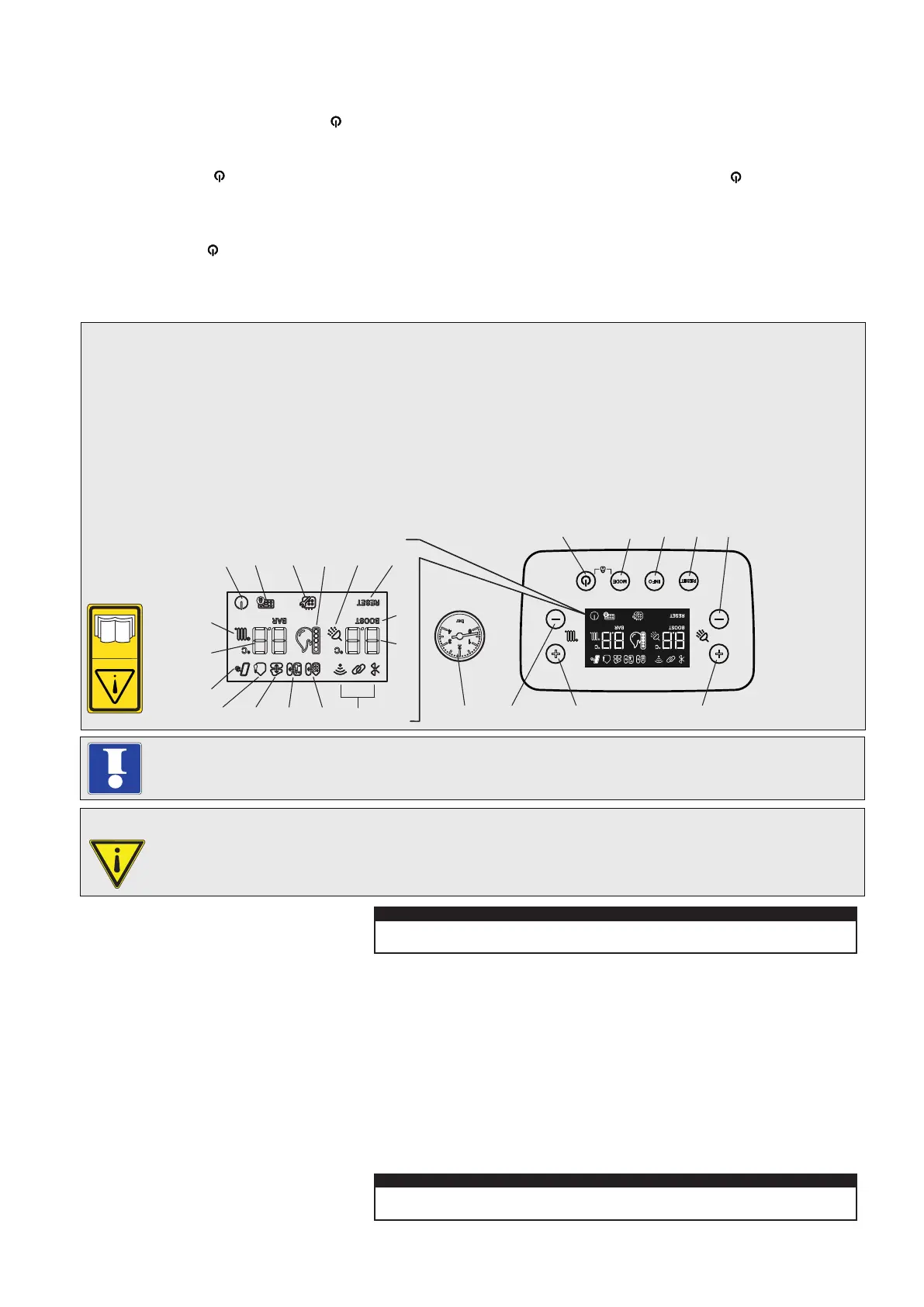
Fig. 1
If the boiler is locked out and an error code is shown on the display, the RESET button can be pressed to try and clear the
fault. If the fault still occurs after pressing RESET, then contact an approved engineer or Alpha service support department.
The Alpha E-Tec Plus NX range of high efficiency condensing boilers incorporate the latest technology in boiler design. With
improved burner efficiency and reduced electrical consumption together with high quality and reliability.
The boiler output will automatically adjust according to the requirements of the system.
The E-Tec Plus NX range are designed to work with most central heating controls however we recommend the Alpha
Comfort or Easy-Stat standard controls or the enhanced Alpha Climatic boiler energy manager further improving the system
efficiency by varying the system temperature depending on the room temperature and heat losses.
In addition all E-Tec Plus NX models feature optional connections for an outside sensor to enable the boilers built in weather
compensation feature.
The boilers will provide central heating when required during the on times as set according to the controls fitted. Hot water
will always take priority over the central heating whenever a hot tap is opened.
Refer to Section 2 of the Installation and Servicing document for the meaning of the information symbols.
2 OPERATING THE BOILER
1 INTRODUCTION
Switch the boiler on at the mains supply socket switch.
The boiler carries out the air vent function. 'dl' is displayed and the function stars for 8 minutes.
Press reset to exit the air vent function early, if required.
At the end of the air vent function it is possible to change the state of the boiler by pressing the On/Off (
) or 'Mode'
buttons as described below.
To activate the keyboard press any button, then press the correct button to activate the chosen function.
OFF mode
Press the On/Off (
) button; from the moment the boiler remains inactive and the display shows the ( ) symbol flashing.
Any remote controls cannot bring the boiler out of this state and fault 83 is shown on the remote control.
Stand-by mode (only available with remote control connected)
The boiler can ONLY be put into stand-by mode by a remote control: in this case the (
) symbol appears steady on the display.
By pressing the 'Mode' button the different functioning mode can be selected: DHW only, DHW + CH or CH only. Refer to
Section 6.5 of the installation instructions for further details.
The boiler can be used by children at least 8 years old as well as by persons with reduced physical, sensory or
mental capabilities, lack of experience or required knowledge providing that they are under surveillance, or after
they have been instructed relating to the safe use and have understood the potential dangers. Children must not
play with the appliance. Cleaning and maintenance destined to be performed by the user cannot be carried out by
unsupervised children.
The boiler controls are located on the control panel behind the flap.
Make sure the heating system is filled and the needle on the pressure gauge (item 9 in Fig. 1) is in the green band
when cold. If incorrect refer to Section 4.
MODEINFO
RESET
+
-
+
-
12345
67
11
18202223 21 19
15
16
17
24
25
12 13 1410
98
1 - On/Off button
2 - Operating mode button
3 - Information Button
4 - Reset button
5 - Decrease DHW temperature
6 - Increase DHW temperature
7 - Increase heating system temperature
8 - Decrease heating system temperature
9 - System pressure gauge
10 - Not used
11 - Not used
12 - Remote control connection (optional)
13 - External server connection
14 - External weather probe (optional)
15 - Active solar supply (pre-heated inlet)
16 - Central heating system set temperature
17 - Central heating active indicator
18 - Boiler in Stand-by mode
19 - Keypad lock active
20 - Set maintence request
21 - Flame present symbol and output scale
22 - DHW active indicator
23 - Boiler 'lock-out' press RESET button
24 - Pre-heat function enabled
25 - DHW set temperature
Note: Pressing buttons 1 and 2 together for five seconds will activate or deactivate the keyboard lock.


 To Next Page