15 3 Operation
Alpha Technologies
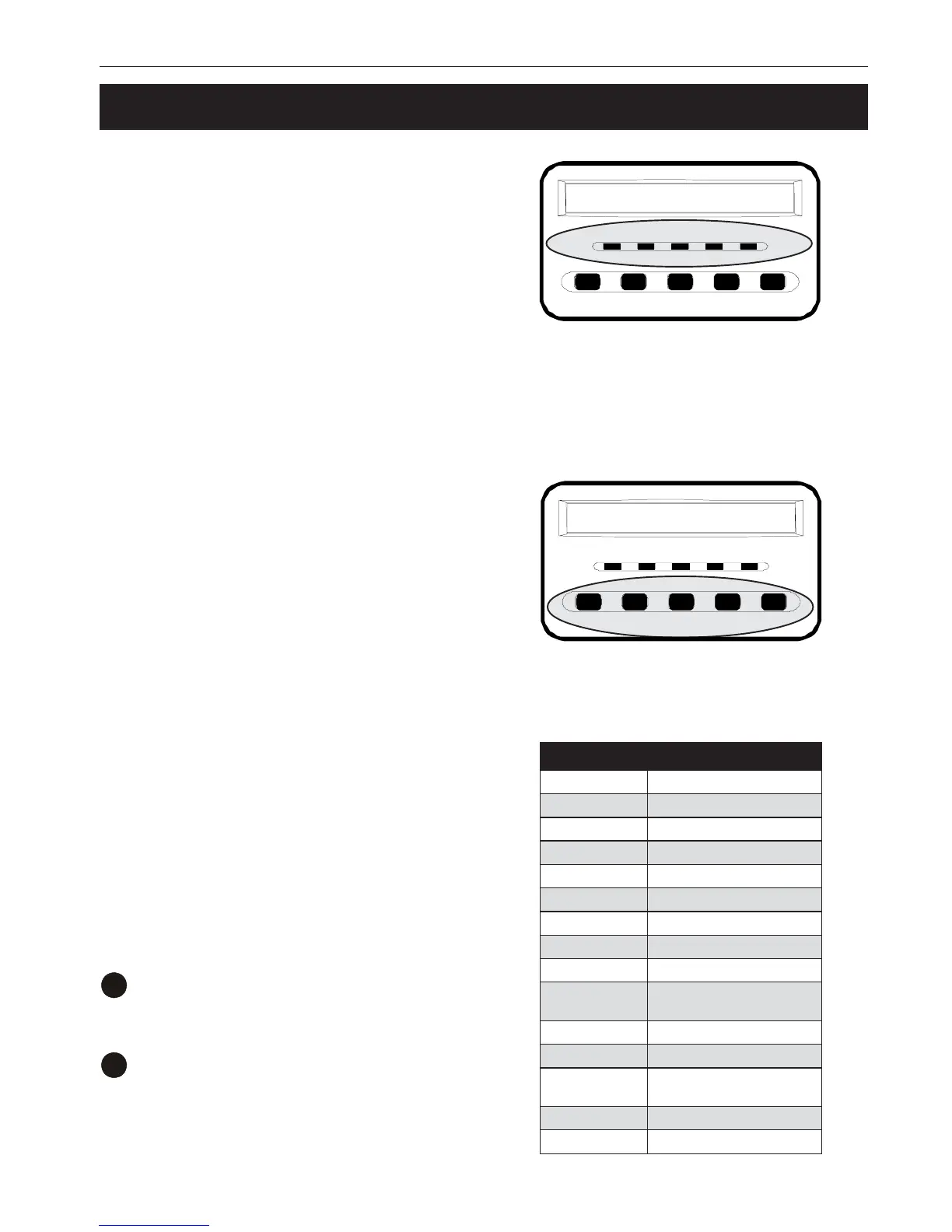
3.2 Using the Control Panel
LEDs:
• ON: The unit is on.
• ON-LINE: Line power is provided to the
loads.
• ON-BATT: Backup battery power is
provided to the loads.
• BYPASS: Line power is provided to the
loads via the unit’s bypass circuit.
• FAULT: The unit has a fault. Do trouble-
shooting (Section 3.5). Press any push
button to turn off the alarm.
Push Buttons:
• ESCAPE: This returns you to the main
display from where you are on the LCD.
• ENTER: This sets the parameter you
have selected (Section 3.4).
• FUNC: This enables the parameter
menu to display measurements (Section
3.4).
• STATUS: This scrolls through the menus.
• ON/OFF: This turns the unit on and off.
If no action is taken in 10 seconds, the LCD
returns to its original status.
Meter Display:
Measurements are made with the display
panel. These read only items are listed in the
table to the right.
To make a measurement:
1
Press FUNC for 1 second.
“O/P Volt” appears.
2
Press FUNC to move down the list. Press
ENTER to select the parameter.
If no action is taken in 10 seconds, the LCD
returns to its original status.
swohSDCL noitpircseD
TLOVP/OtuptuoegatlovCAehT
QERFP/O ycneuqerftuptuoehT
TLOVP/IegatlovCAtupniehT
QERFP/I ycneuqerftupniehT
TLOVTABegatlovyrettabehT
DAOLP/O gnidaol%ehT
ttaWP/OsttawnituptuoehT
AVP/O AVnituptuoehT
RRUCP/OtnerructuptuoehT
EMITPUKCAB
niemitpukcabdetamitsE
setunim
GRAHCTABegrahcyrettab%ehT
ERUTAREPMET erutarepmettneibmaehT
MUNKCAPTAB
lanretxeforebmunehT
skcapyrettab
GNITAR gnitarrewops'SPUehT
NOISREVUPCtinusihtnidesuUPCehT
Line Mode
ESCAPE ENTER
FUNC STATUS ON/OFF
ON ON-LINE ON-BAT BYPASS FAULT
Line Mode
ESCAPE ENTER
FUNC STATUS ON/OFF
ON ON-LINE ON-BAT BYPASS FAULT



 To Next Page