56
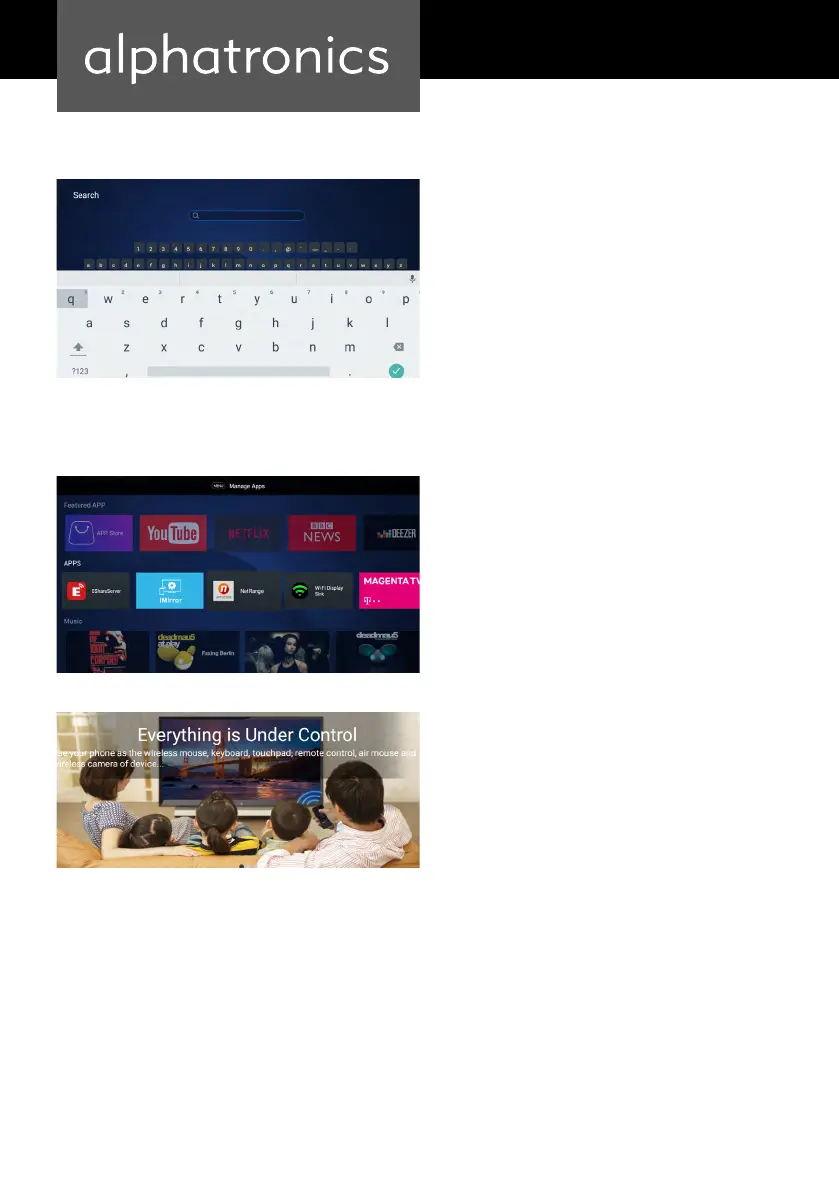
Search for apps
EShareServer
Use the arrow keys to select the magnifying
glass icon to select your apps from the
keyboard.
Follow the instructions on the screen and
mirror your smartphone to your alphatro-
nics SMART TV (function descriptions vary
depending on the smartphone brand).
Connect your smartphone to your alphatro-
nics SMART TV. Both devices must be on the
same Wi-Fi network.


 To Next Page