26
English
CD Operation
1
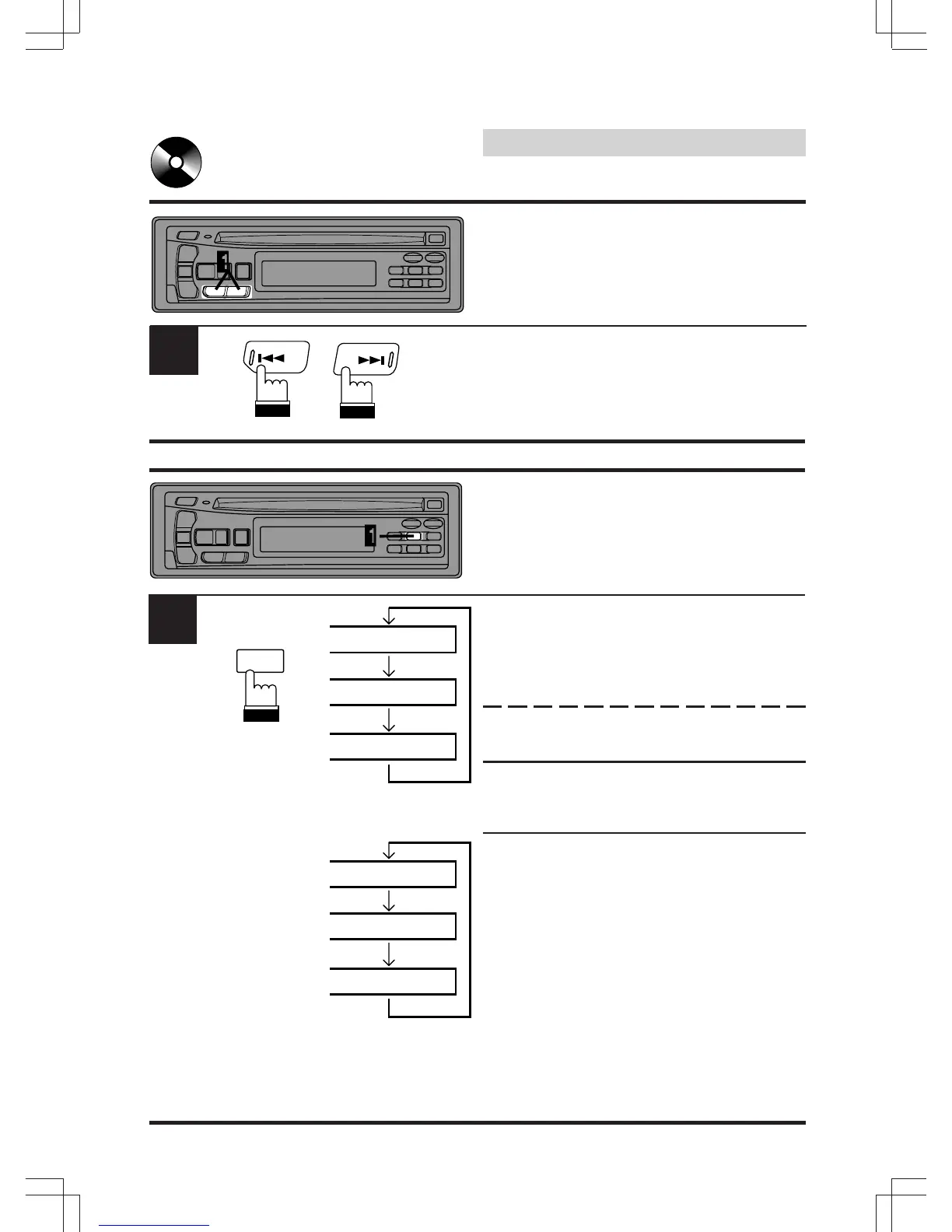
Repeat Play
Press the RPT (Repeat) button to play back
repeatedly the track being played. The RPT
indicator (CDA-7837E)/REPEAT indicator
(CDM-7834E) appears and the track will be
played repeatedly.
Press the RPT button again to deactivate the
repeat play.
Note: If a CD Shuttle is connected and the RPT
ALL mode is selected, the unit repeatedly
plays back all tracks on the disc selected.
Notes:
In case of 6-disc CD Shutlle connected:
• Press the "F" button to turn off the
illumination on the "F" button and go to step
1 (CDA-7837E).
• Press the "F" button to illuminate the
"FUNC" (Function) indicator and go to step 1
(CDM-7834E).
In case of 12-disc CD Shutlle connected:
• Press the "F" button twice to turn off the
illumination on the "F" button and go to step
1 within 5 seconds (CDA-7837E only).
1
2
Fast Forward and Back-
ward
Press and hold the DN (c ) or UP (f ) button to
quickly move backward or forward until you
reach the desired section of the track.
DN
UP
RPT
2
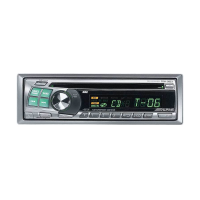
(CDA-7837E)
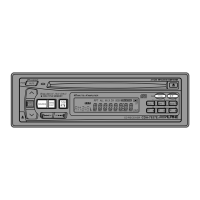
(CDM-7834E)
REPEAT
REPEAT ALL
RPT
RPT ALL


 To Next Page