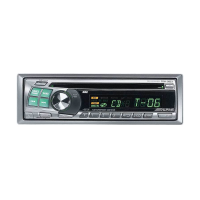
32
English
CD Operation
1
4
5
2
3
ALPINE
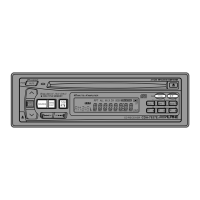
Erasing Disc Title
(CDA-7837E only)
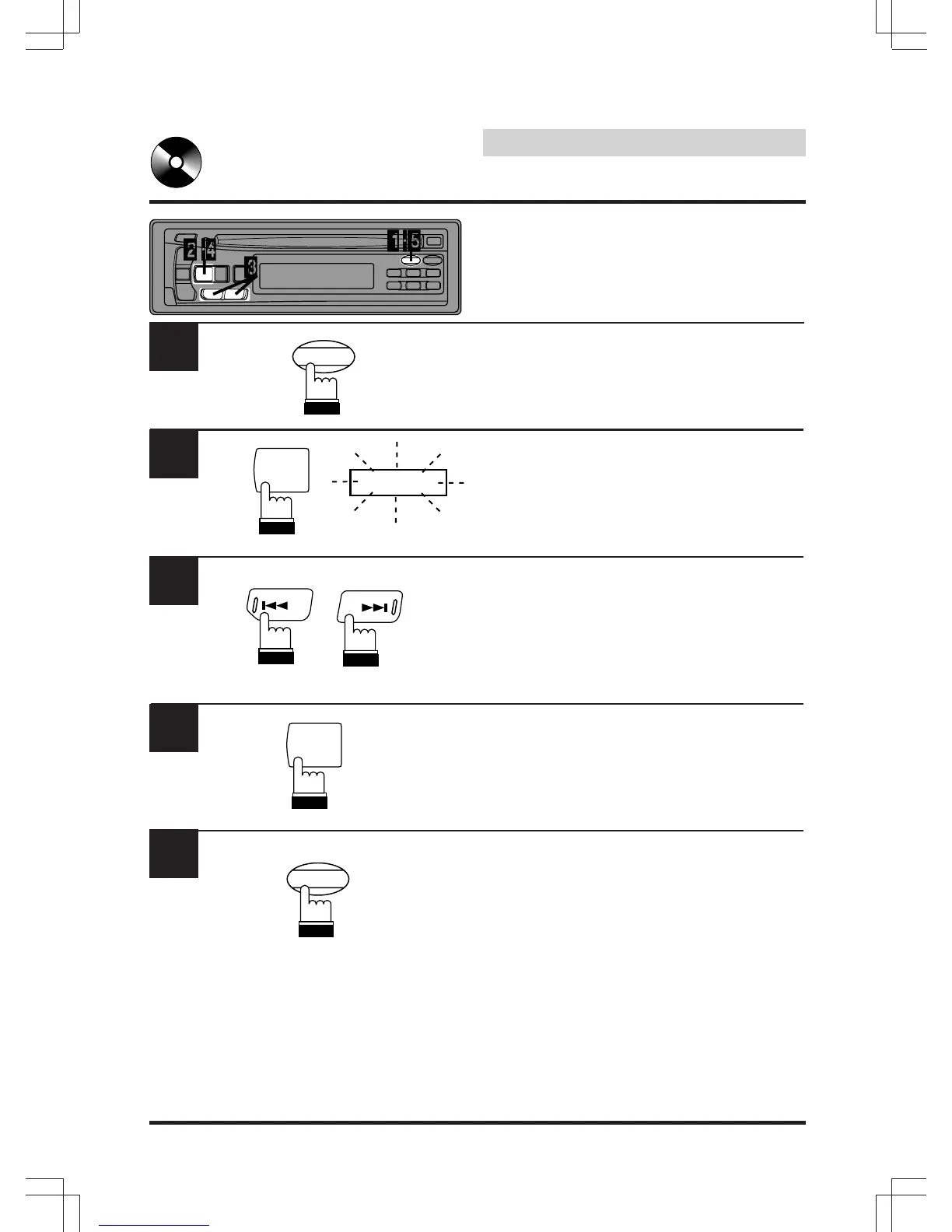
Press the TITLE button to select the disc titling
mode. Then, press and hold for at least 3
seconds.
Press and hold the SOURCE button for at least
3 seconds to activate the title scanning mode.
The title in the display will blink, for example
"ALPINE".
Press the DN (c ) or UP (f ) button repeatedly
until the disc title you want to erase is dis-
played.
Press and hold the SOURCE button for at least
3 seconds to erase the disc title displayed.
Press and hold the TITLE button for at least 3
seconds to cancel the disc title erasing mode.
SOURCE
SOURCE
DN
UP
TITLE
CLK
TITLE
CLK


 To Next Page