35
English
CD Shuttle Operation
1
2
Controlling CD Shuttle
(Optional)
(CDM-7834E only)
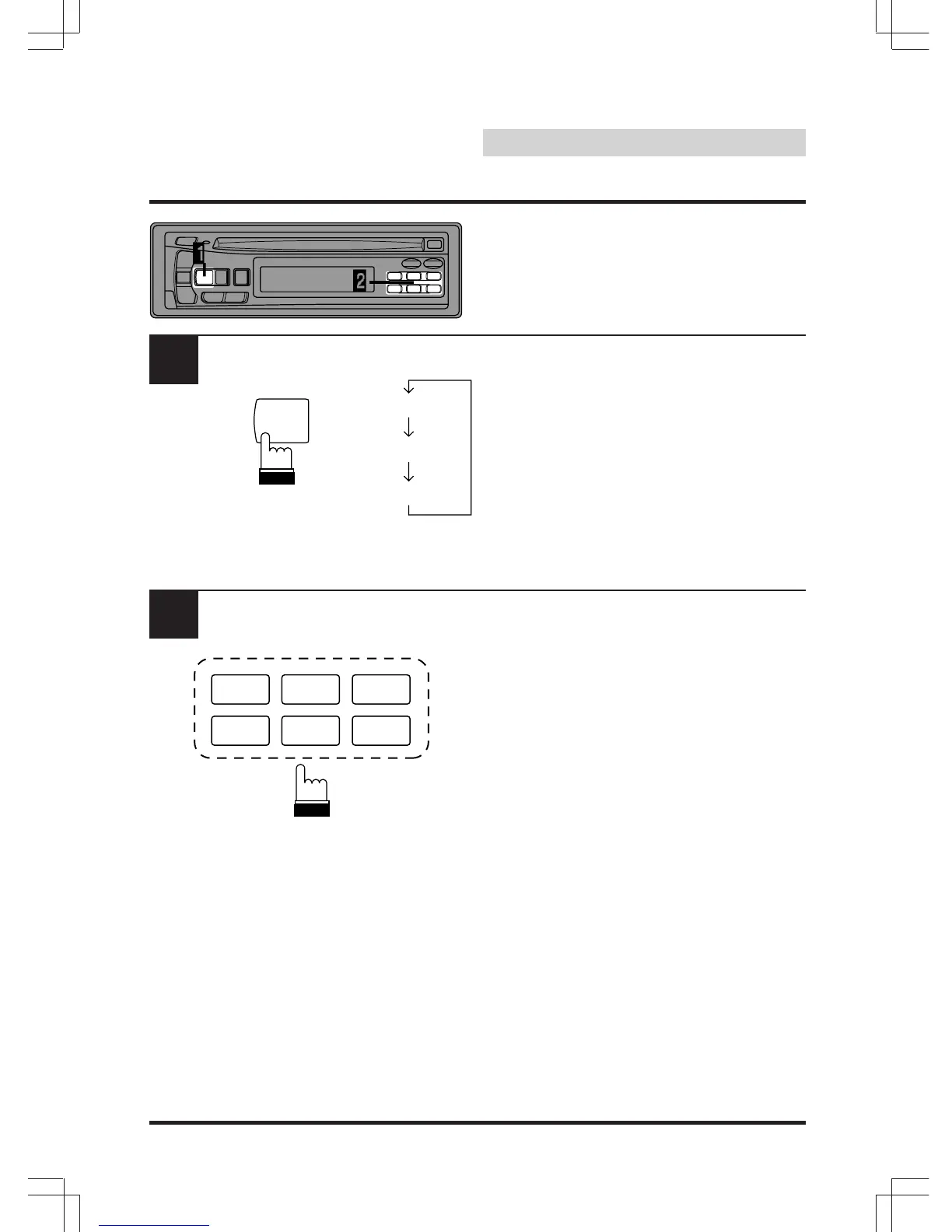
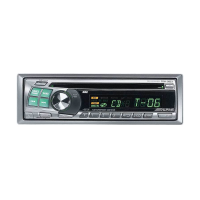
The display example shows when playing Track
5 on Disc 3.
Press the SOURCE button to activate the CD
Shuttle. The display shows the disc number and
track number.
Press a Disc Select button corresponding to
one of the discs loaded in the CD Shuttle
magazine.
Note: After selecting the desired disc, you can
operate in the same way as for the CD
player. For details, please see the CD
Operation section.
SOURCE
123
456
CT H M
M.I.X. RPT SCAN
TUNER
CD
CHANGER


 To Next Page