36
English
CD Shuttle Operation
Multi-Changer Selection
(CDA-7837E only)
Alpine’s Ai-NET system will support up to 6 CD
Shuttles. When operating two or more
changers, the KCA-400C (Multi-Changer
Switching device) must be used. If you use 1
Switching device, you can connect up to 4 CD
Shuttles. If you use 2 Switching devices, you
can connect up to 6 CD Shuttles.
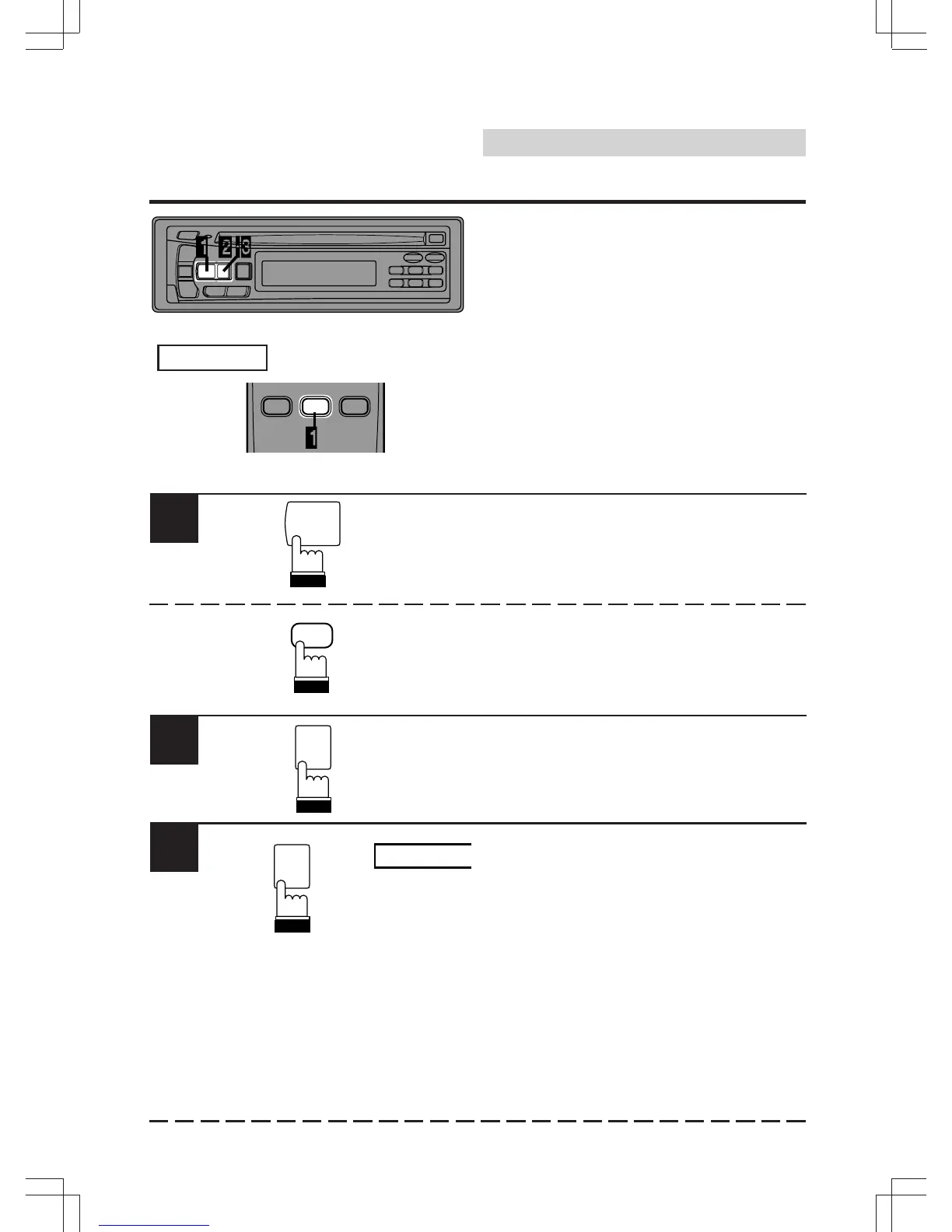
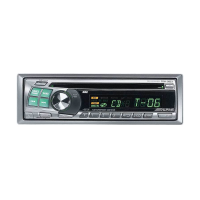
Press the SOURCE button on the CDA-7837E
to activate the CD Shuttle mode.
Alternatively, press the SOURCE button on the
Remote Controller (RUE-4185) to activate the
CD Shuttle mode. Proceed to Step 3 below to
select the desired CD Shuttle.
Press the BAND button on the CDA-7837E or
the RUE-4185 to activate the CD Shuttle
Selection mode.
The CD Shuttle Selection mode remains active
for 3 seconds after Step 2 is performed. Press
the BAND button until the desired CD Shuttle
indicator appears on the display.
Note: If the selected CD Shuttle is not
connected, the display will show "NO
CHGR-X ."
1
2
3
CHGR-X
RUE-4185
Remote Control
SOURCE
BAND
D.A.P.
BAND
D.A.P.
SOURCE
BAND
PROG
SOURCE A.PROC


 To Next Page