EasyManua.ls Logo

Alpine DVR-C320R - Connecting the Dash Cam to the Alpine Navigation;Display Audio System

Alpine DVR-C320R
46 pages
Print Icon
To Next Page IconTo Next Page
To Previous Page IconTo Previous Page
Loading...
Product overview
14
1.4.2 Connecting the dash cam to the Alpine navigation/display audio system
Follow the connection diagram to use the Alpine navigation/display audio’s features with the dash cam.
The dash cam and other accessories which need a REMOTE IN/OUT connection cannot connect to the
Alpine navigation/display audio system at the same time.
R CAM
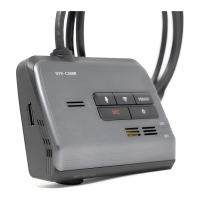
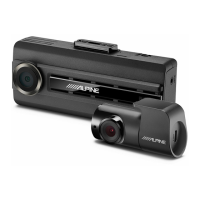
DVR-C320R
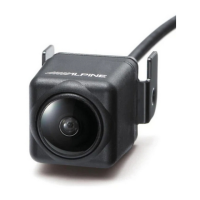
Rear camera
Car charger cable
Hardwiring cable
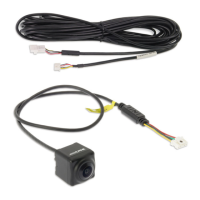
Rear camera
extension cable Rear camera cable
CAN I/F Cable
W
. REMOTE Cable
Not used.
Not used.
Remote Out
sold separately
MON Remote
AUX INPUT
BAT
ACC
R CAM
F CAM
LIN CABLE
LIN CABLE
REMOCON
IN
REMOCON
OUT
GND
Yellow
Red
Black

Table of Contents

Related product manuals