8-EN
Touch Screen Operation
You can operate the system by using the touch panel on the screen.
• Be sure to touch the onscreen button lightly with the pad of your finger
to avoid scratching the display.
Touch a button or list item on the screen lightly.
• If you touch a button and there is no reaction, remove your finger.
• Onscreen buttons that cannot be operated are dimmed.
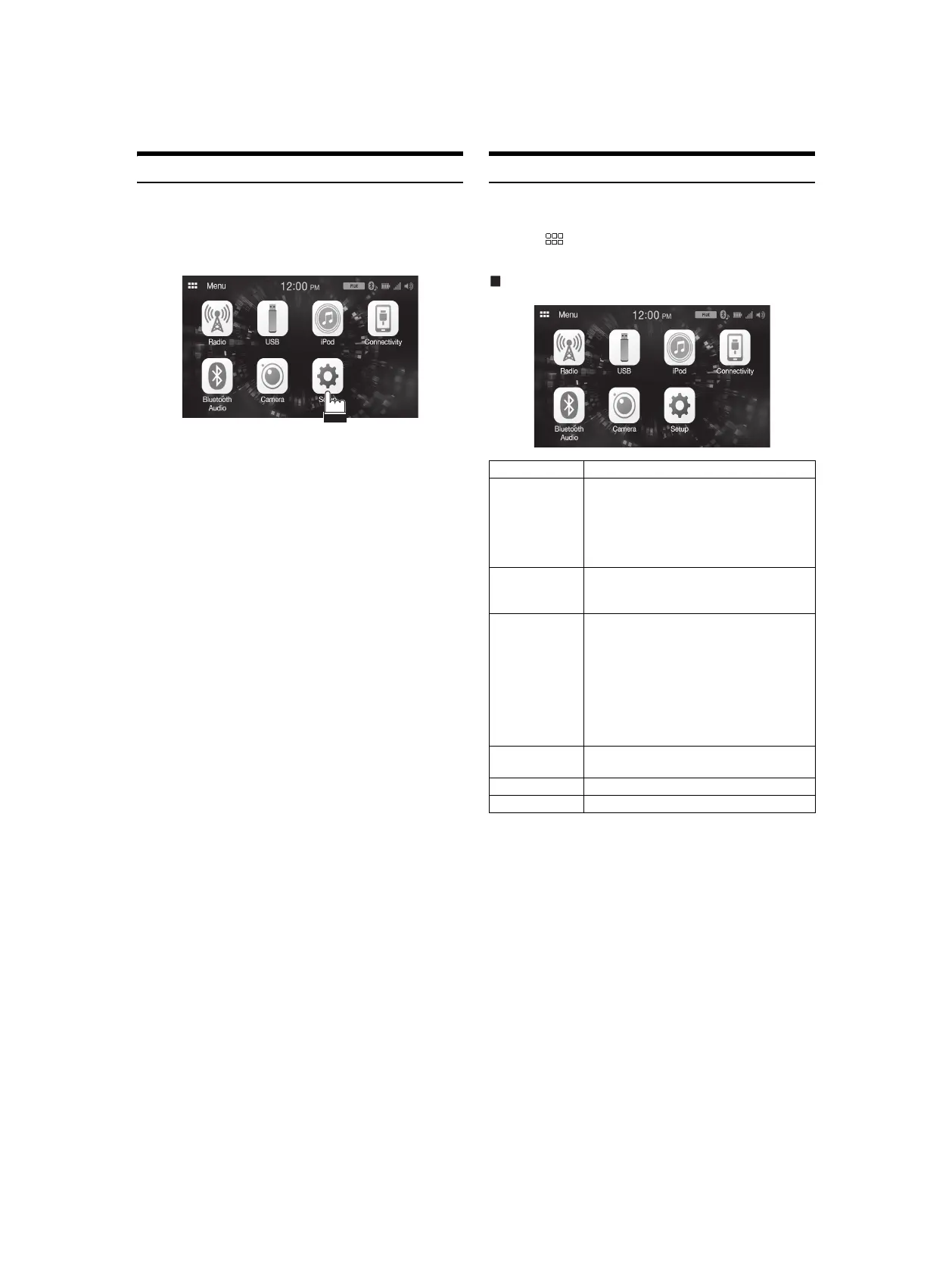
About the HOME Screen
In the HOME screen, you can select the audio source and perform
various setups or operations on the unit.
Touch the (HOME) button.
The HOME screen is displayed.
HOME screen example
Radio Displays the Radio main screen (page 23).
USB You can play back music files (MP3/WMA/AAC/
FLAC/WAV), video files (MP4/AVI/WMV/MOV)
and photo files (JPG/PNG/BMP) stored in a USB
flash drive (page 24).
• If a USB flash drive is not connected, this
widget is not available.
iPod Displays the iPod main screen (page 26).
• If an iPhone is not connected, this widget is
not available.
Connectivity You can use Apple CarPlay (page 22) or Android
Auto (page 22).
• If an iPhone 5s or later compatible with the
Apple CarPlay function or a smartphone
installed with the Android Auto App is not
connected, this widget is not available.
• When Apple CarPlay or Android Auto is
available, the widget changes to [Apple
CarPlay] / [Android Auto].
Bluetooth Audio Displays the Bluetooth audio main screen
(page 32).
Camera Displays camera images (page 34).
Setup Displays the Setup screen (page 10).



 To Next Page