6-EN
Touch Screen & General Operation
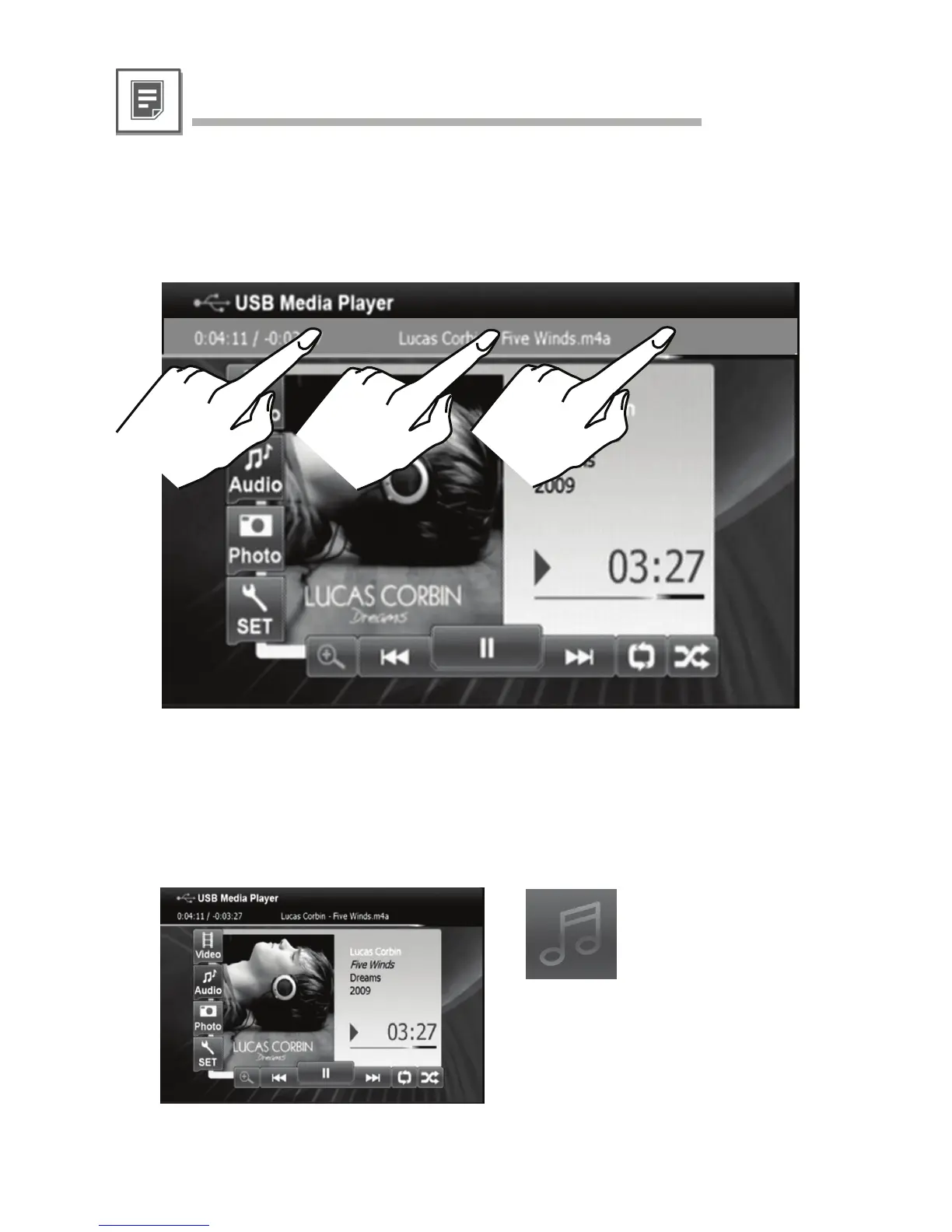
Since the fast forward / fast backward touch commands may not be operable by some monitors
you can alternatively access a certain position within the audio/video file by touching the desired
position above the progress bar. Please refer to the below illustrated virtual touch area.
• Position Jump function
If there is no embedded cover artwork with the audio file, KCE-635UB can alternatively display
valid JPEG files from within the same folder location in alphabetical order. If none available, the
default cover artwork icon will be shown.
• MP3 with JPEG
default cover artwork icon



 To Next Page