38
TImE CORRECTION
4. Time Correction
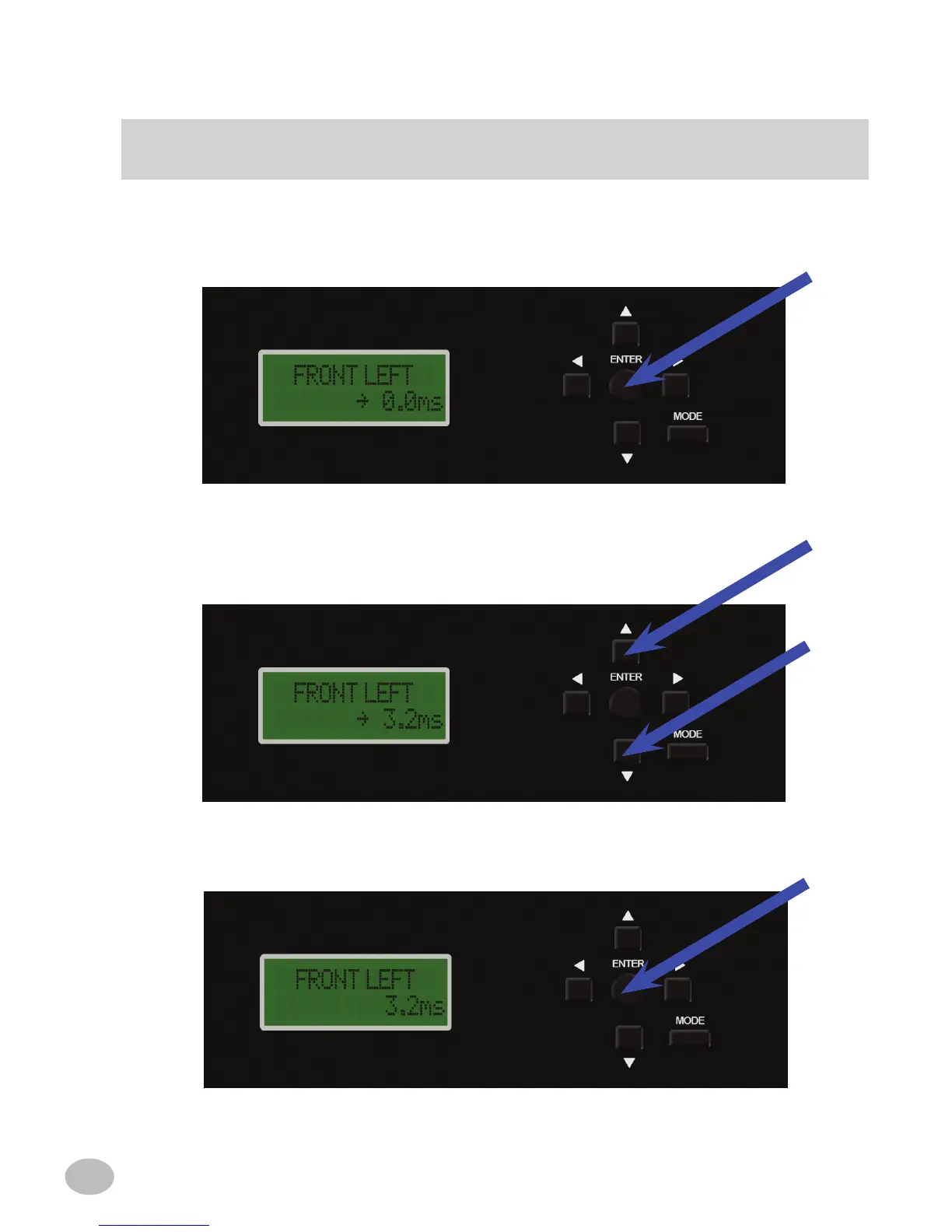
a) With the desired channel selected, press ENTER. An arrow will appear indicating
the parameter can be adjusted.
b) Use the q or p buttons to change the delay (from 0 to 10ms) for each channel.
c) Upon completing the adjustment, press ENTER. The arrow will disappear to, indi-
cating the parameter can no longer be changed.
OR



 To Next Page