22
English
CD Shuttle Operation
1
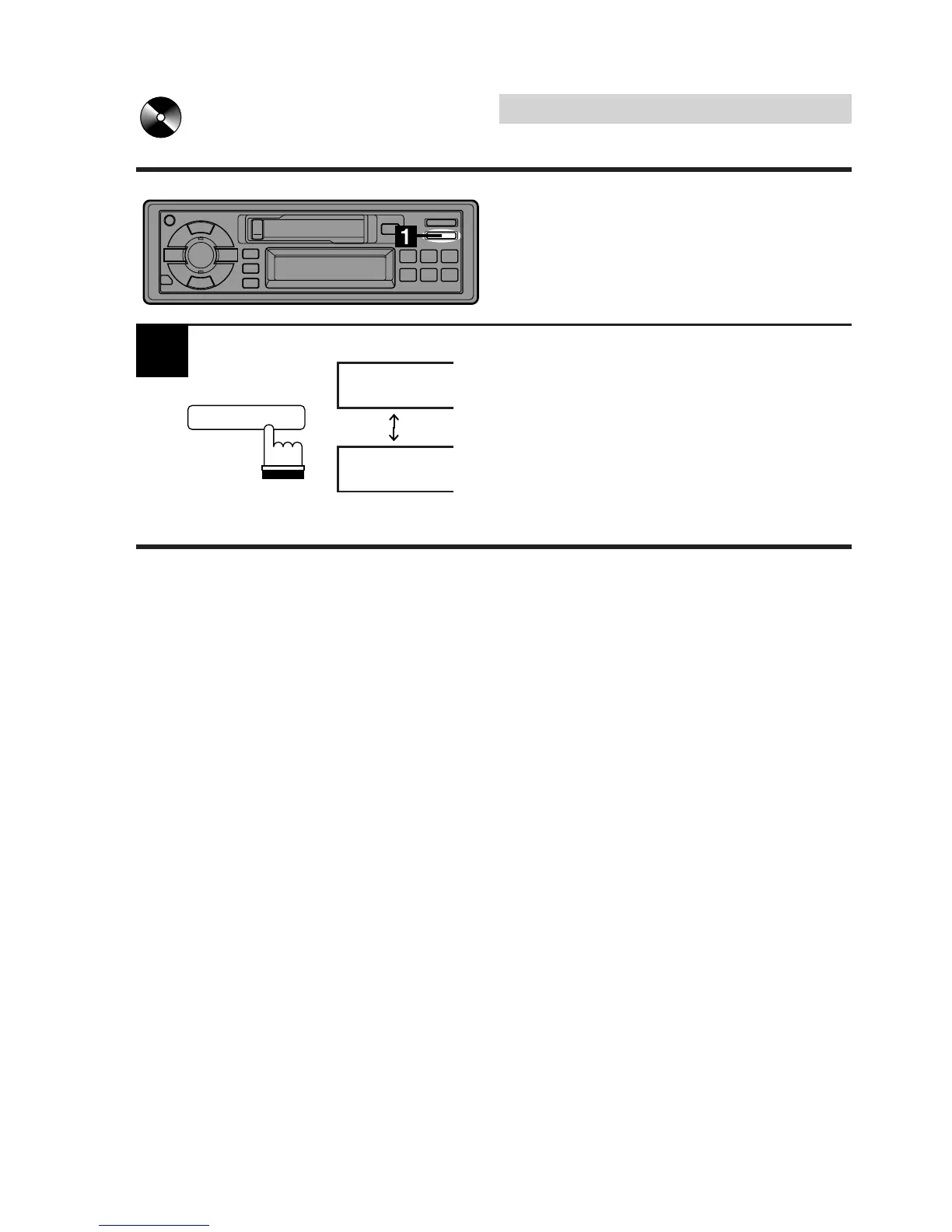
Press and hold the DISP (Display) button for at
least 2 seconds to change the display.
Each press switches between the track number
and elapsed time for the track being played.
0'16
D-3
T-08
D-3
Switching Display
During CD playback, you can switch between
the track number indication and elapsed time
for the track being played.
CLOCK
DISP



 To Next Page