24
English
CD Shuttle Operation
1
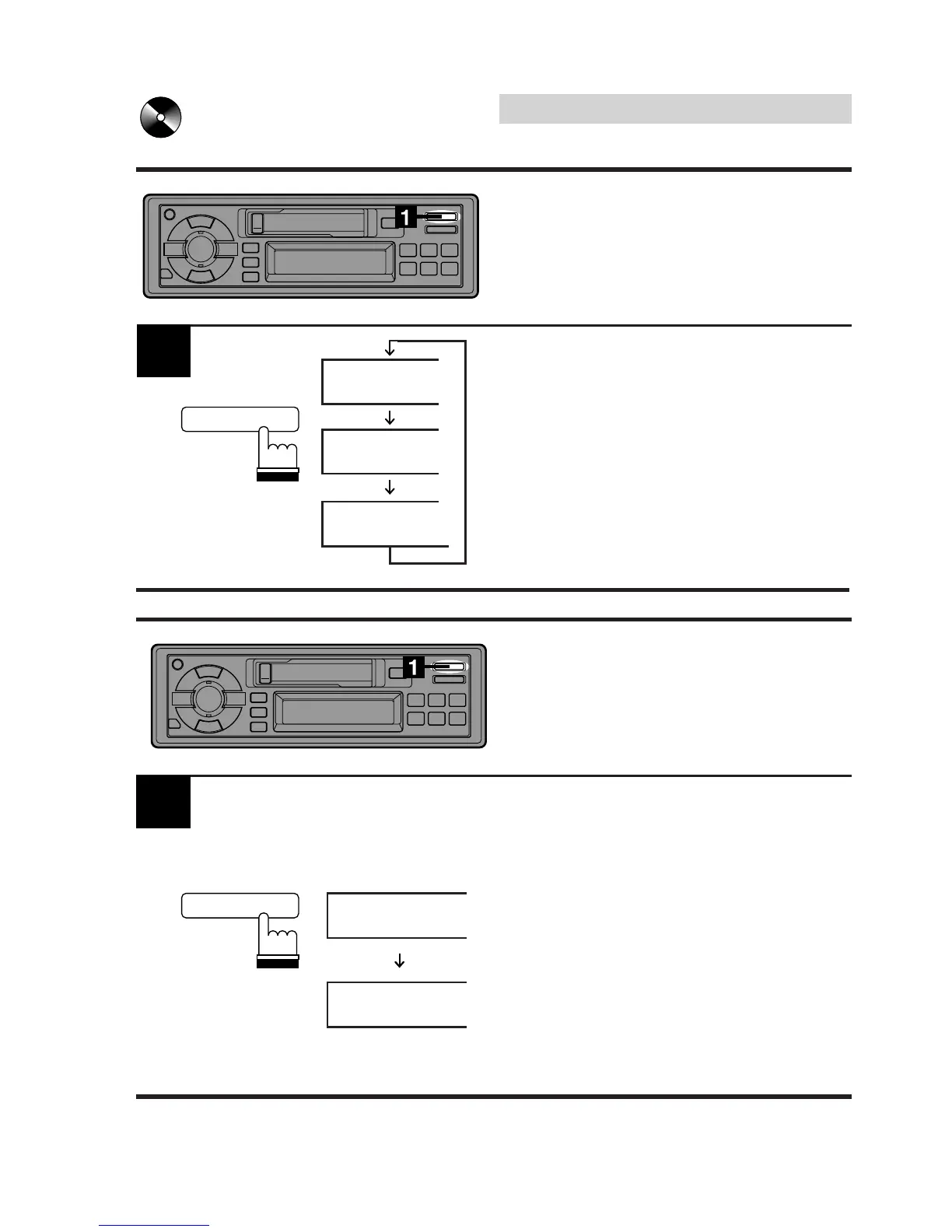
REPEAT
REPEAT ALL
Repeat Play on
Single Track or Entire
Press the REPEAT button to display "REPEAT"
or "REPEAT ALL" to play back repeatedly the
current track being played or the entire disc
selected.
Note: Single track cannot be repeated during
M.I.X. play.
Press the M.I.X. button for at least 2 seconds
while the CD is playing or in the Pause mode.
The M.I.X. indicator will appear in the display.
The tracks on the disc will be played back in a
random sequence.
After all the tracks on the disc have been
played back, the player loads the next disc
and begins a new random sequence.
Random play continues until the M.I.X. mode is
cancelled.
Press the M.I.X. button again for at least 2
seconds to cancel the M.I.X. mode. The M.I.X.
indicator will disappear from the display.
M.I.X.
1
M.I.X. (Random) Play
REPEAT
M.I.X.
REPEAT
M.I.X.



 To Next Page