Altai Technologies Ltd. All rights reserved
Hardware Overview
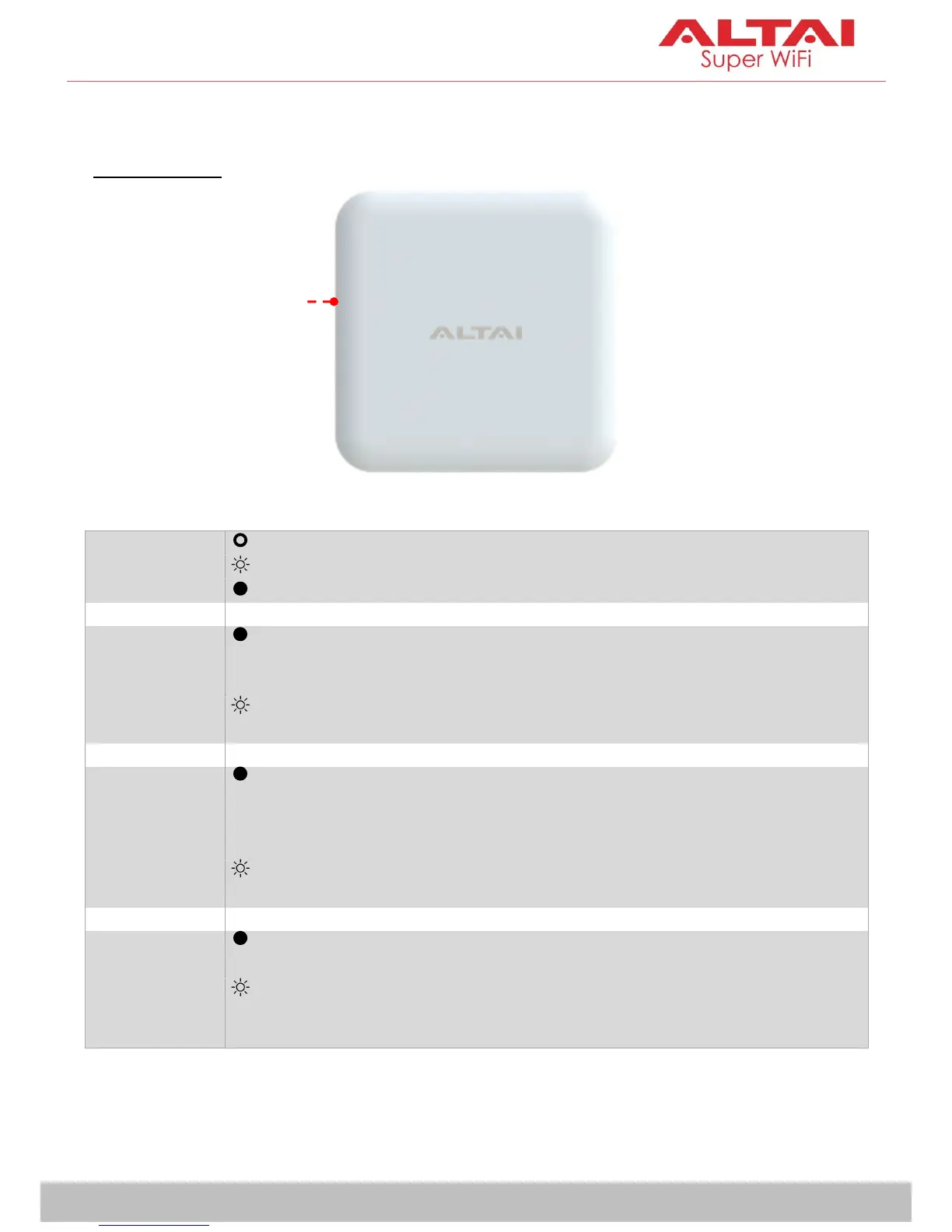
LED Indicator
AP Boot Up Finished and Ready for Service
2.4G Radio
Enabled Only
(AP/Station/
Repeater)
1. AP Mode on but with no Client Association; OR
2. Station Mode on but not connected to Remote AP; OR
3. Repeater Mode on but not connected to Remote AP
Alternate Flashing
Purple & Red
Data Transmitting/Receiving
5G Radio
Enabled Only
(AP/Station/
Repeater/Bridge)
1. AP Mode on but with no Client Association; OR
2. Station Mode on but not connected to Remote AP; OR
3. Repeater Mode on but not connected to Remote AP; OR
4. Bridge Mode on but not connected to Remote Peer
Alternate Flashing
Yellow & Red
Data Transmitting/Receiving
2.4G and 5G
Radios Enabled
(AP/Station/
Repeater/Bridge)
AP/Station/Repeater/Bridge Mode on but with no
connection with Client/Remote AP/Remote Peer
Alternate Flashing
Purple, Yellow & Red
Data Transmitting/Receiving



 To Next Page