Operating Mode Selection
3.2.6 Setup outrigger configuration
The outrigger configuration is used to select outrigger position and load charts.
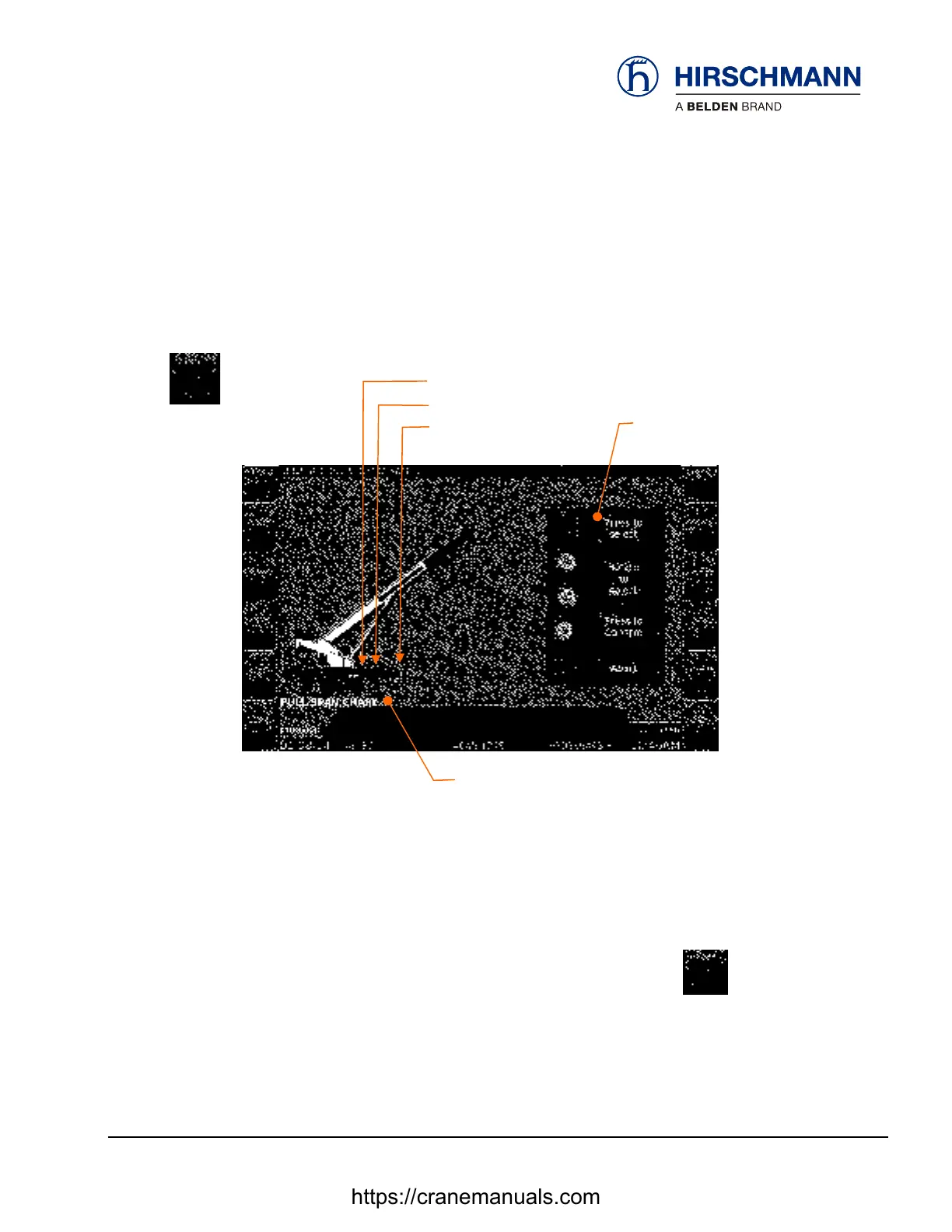
Outrigger configuration from main menu
Full span selection indicator
Mid s
an selection indicato
On screen
directions
Short s
an selection indicato
Load chart selected
Possible selections:
Selections
Full Span
Mid Span
Short Span
Select by repeatedly pressing the outrigger configuration function key
Instructions
or by
rotating the rotary control
© 2014 Hirschmann Automation and Control GmbH · Mobile Machine Control Solutions · www.beldensolutions.com 23/78
AltecManual_Feb3.docx / 1/31/2014 1:03:00 PM/ Issue A / cc.
https://cranemanuals.com


 To Next Page