20 | P a g e
© Copyright 2012 Altech UEC (Pty) Ltd
10 SUBTITLES AND CLOSED CAPTIONS
10.1 TURNING ON SUBTITLES/CLOSED CAPTIONS
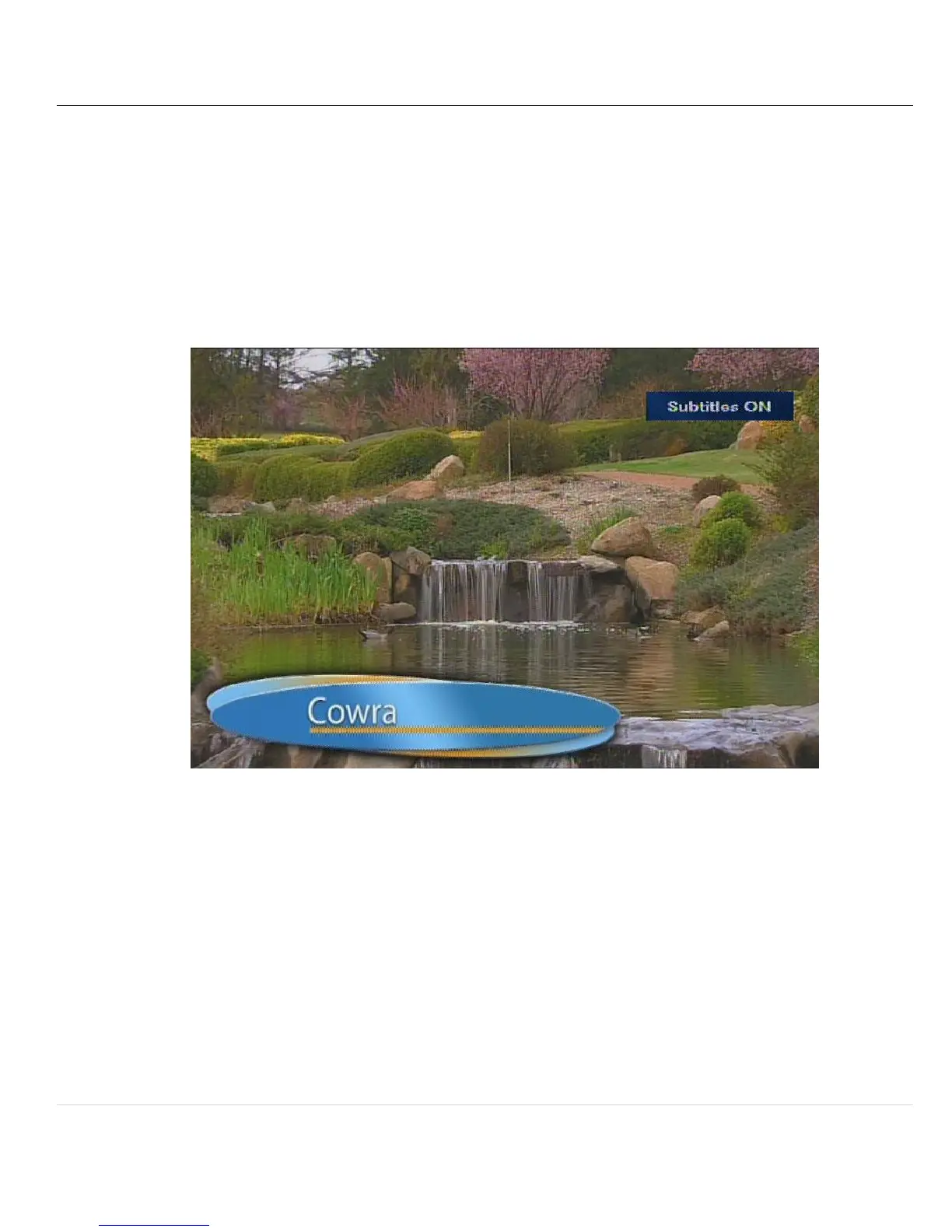
10.1.1 There is a menu option to enable subtitles. This can be found in the settings
menu.
10.1.2 Also it can be enabled using the remote by pressing the “CC” (Closed captions)
button on the remote
10.2 TURNING OFF SUBTITLES OR CLOSED CAPTIONS
10.2.1 Press the “CC” button again to turn off subtitles
10.2.2 Or change the setting in the menu



 To Next Page