33 | P a g e
© Copyright 2012 Altech UEC (Pty) Ltd
13 RECORDING MODES
There are a number of ways to schedule a recording:
13.1 INSTANT RECORD
13.1.1 If you want to record the program you are currently watching, press the record
button on the remote control.
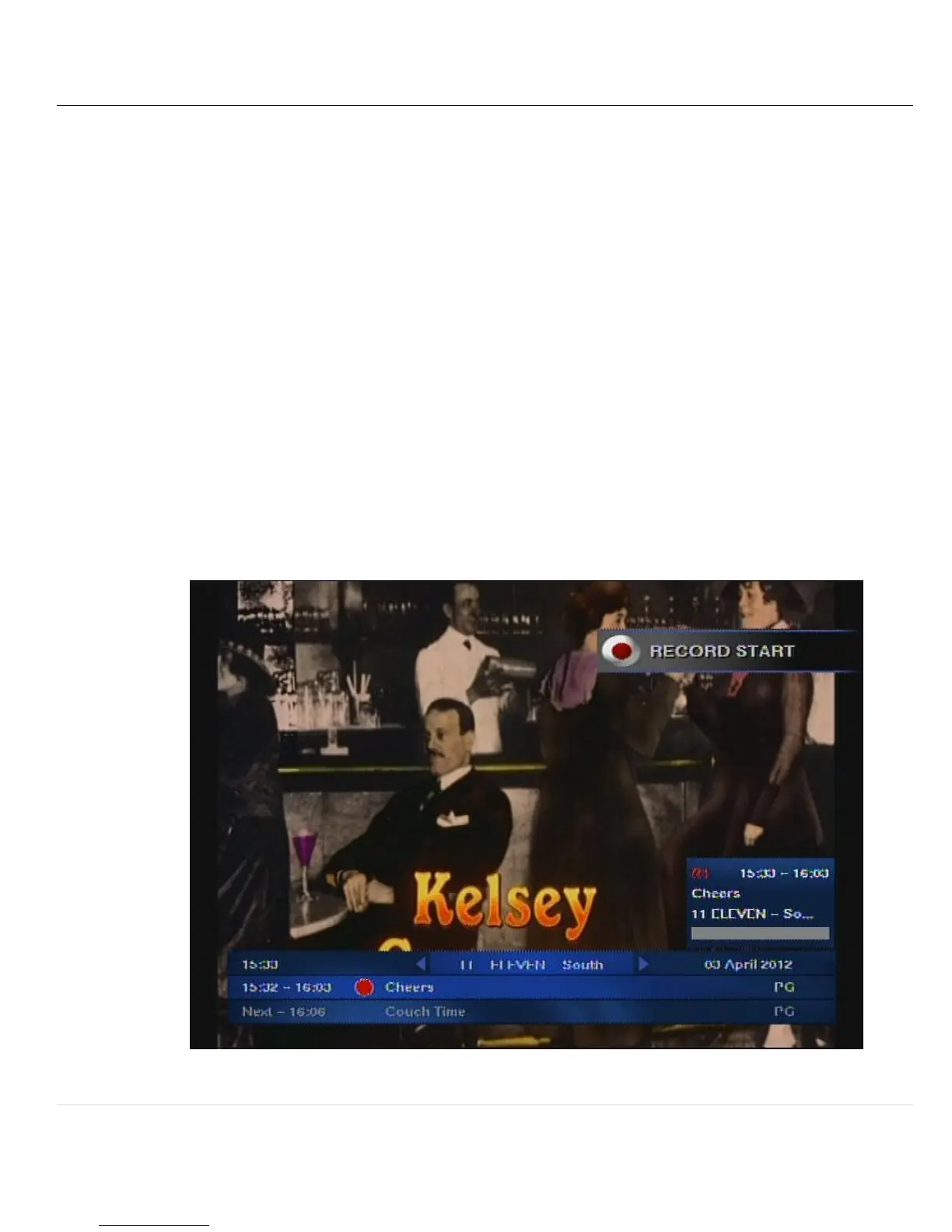
13.1.2 A record start icon will appear, a red dot will appear in the iplate and a small
recording information popup is displayed above the iplate on the right hand side
of the screen indicating the details of the event that is recording.
13.1.3 A maximum of two events may be recorded at any time hence there may be two
recording information popups displayed over the iplate.


 To Next Page