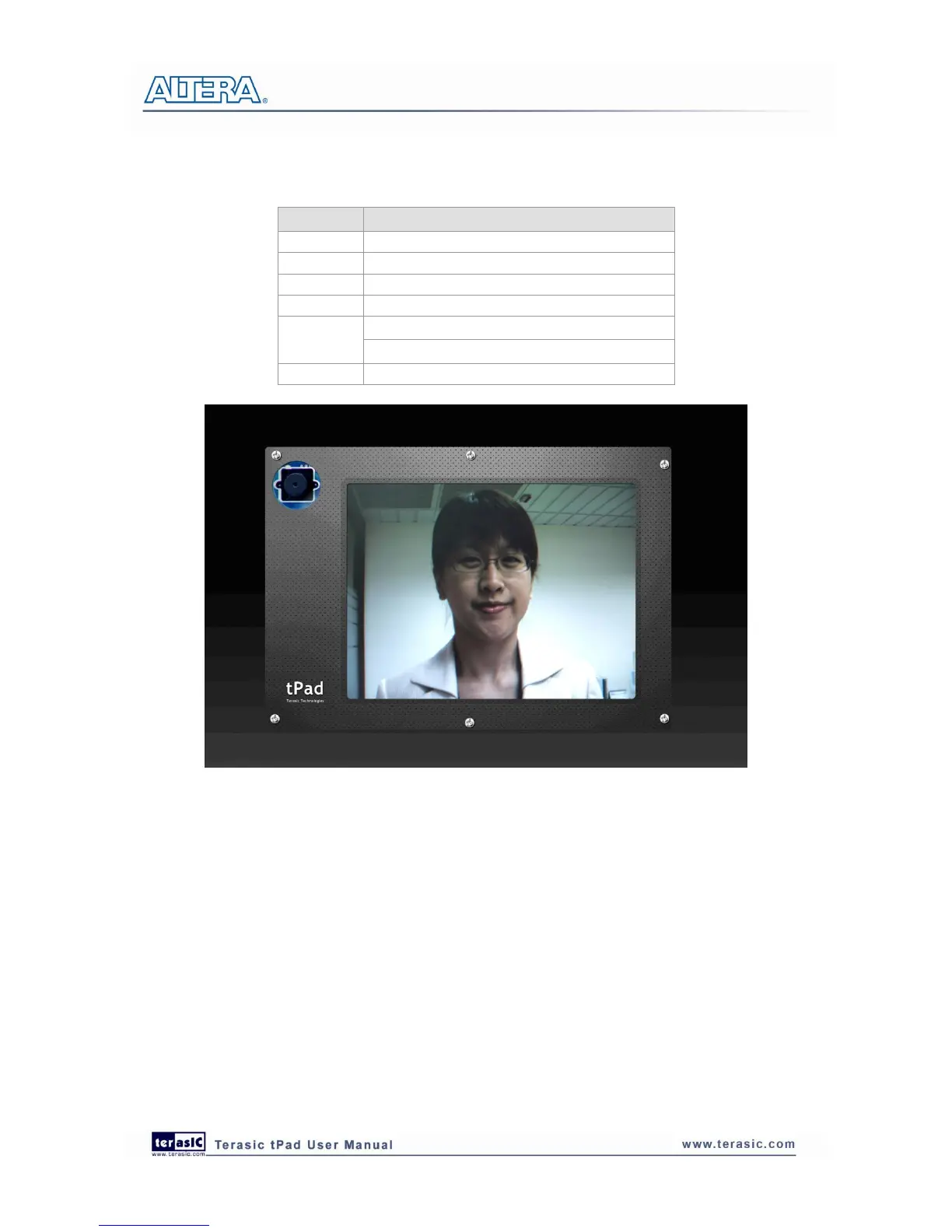
Figure 4-13 Screen shot of the tPad camera demonstration
4
4
.
.
7
7
V
V
i
i
d
d
e
e
o
o
a
a
n
n
d
d
I
I
m
m
a
a
g
g
e
e
P
P
r
r
o
o
c
c
e
e
s
s
s
s
i
i
n
n
g
g
f
f
o
o
r
r
C
C
a
a
m
m
e
e
r
r
a
a
The Video and Image Processing (VIP) for Camera Example Design demonstrates dynamic scaling
and clipping of a standard definition video stream in RGB format and picture-in-picture mixing
with a background layer. The video stream is output in high definition resolution (800×600) on the
HSMC LTC daughter card (part of the tPad).
The example design demonstrates a framework for rapid development of video and image
processing systems using the parameterizable MegaCore® functions that are available in the Video
and Image Processing Suite. Available functions are listed in Table 4 2. This demonstration needs
the Quartus II license file includes the VIP suite feature.



 To Next Page