SYSTEM OPERATION
12
BOOST MODE
BOOST MODE enables the system to operate at a higher com-
pressor speed than rated maximum compressor speed and
satisfy the structural load more effectively during higher am-
bient outdoor conditions. BOOST MODE is initiated by an out-
door temperature sensor located in the outdoor unit. Please
note that outdoor equipment operational sound levels may
increase while the equipment is running in BOOST MODE. Dis-
abling BOOST MODE will provide the quietest and most effi-
cient operation.
NOTE: BOOST MODE is applicable only for AVZC200**1AB or
later revision. BOOST MODE performance is most effective
when paired with an electronic expansion valve enabled in-
door unit.
BOOST MODE is ON by default and is activated when the out-
door temperature reaches 105°F. BOOST MODE can be dis-
abled and enabled and the activation temperature adjusted in
the BOOST TEMP menu using the following procedure:
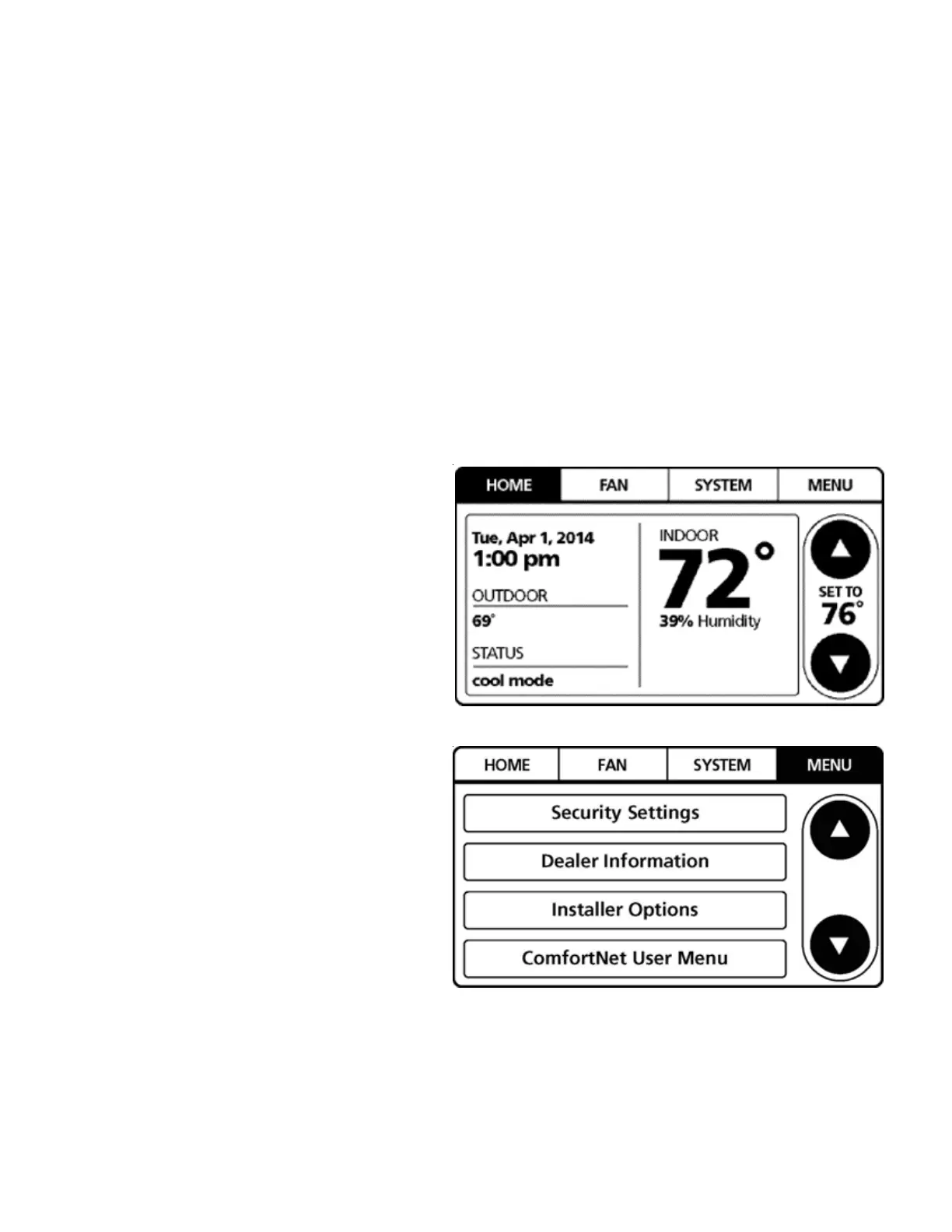
1. On the CTK04 HOME screen, select MENU.
2. From the MENU screen, select COMFORTNET™ USER
MENU.


 To Next Page
 Loading...