-9-
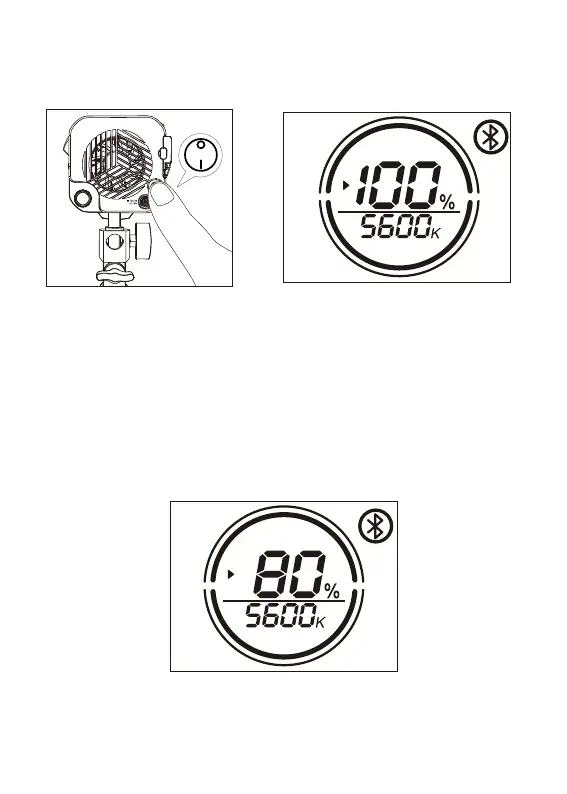
1. Press the power button to turn the light on and off
2. Manual control
Operations
Press the knob for 1.5 second to switch the function between INT/CCT adjustment.
Brightness adjustment:
b. Click the INT adjustment knob to quickly switch the brightness level: 20%→40%→60%→
80%→100%→20%→40%→60%→80%→ 100% cycle switch.
a. Rotate the INT adjusting knob to adjust the brightness with 1% variable, and the brightness
change range is (0-100) %, and display the change of (0-100) % in real time on the LIGHT body
OLED display.


 To Next Page