Setup
Your speaker is partially charged when it arrive so you can use it
right away. For the best reception, keep the speaker within 30 feet
of the device it’s paired to.
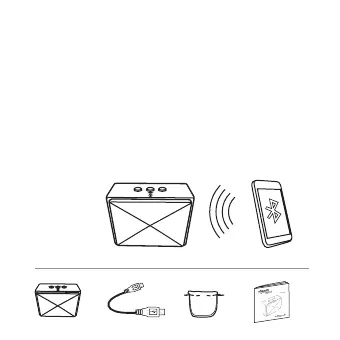
Pairing the speaker and a device
•Turn ON the speaker. A tone sounds and the LED blinks.
•Turn ON your device (like a phone or tablet).
•On your device, locate your Bluetooth settings and turn on
Bluetooth.
•In Bluetooth Settings, scan for devices if necessary, then select
Amazon_BT2 from your device’s list. The LED stops blinking and light
blue. Your device and speaker are paired and your speaker is
ready to use.
1
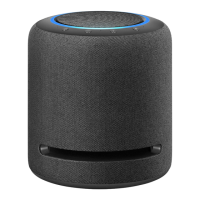
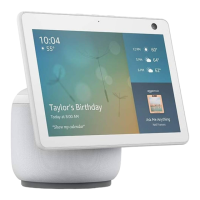
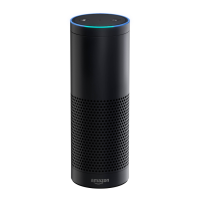
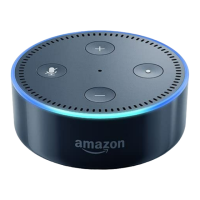
Packaging list
X1
X1 X1 X1


 To Next Page