ZA-V BAG0087.11
Spread rate setting
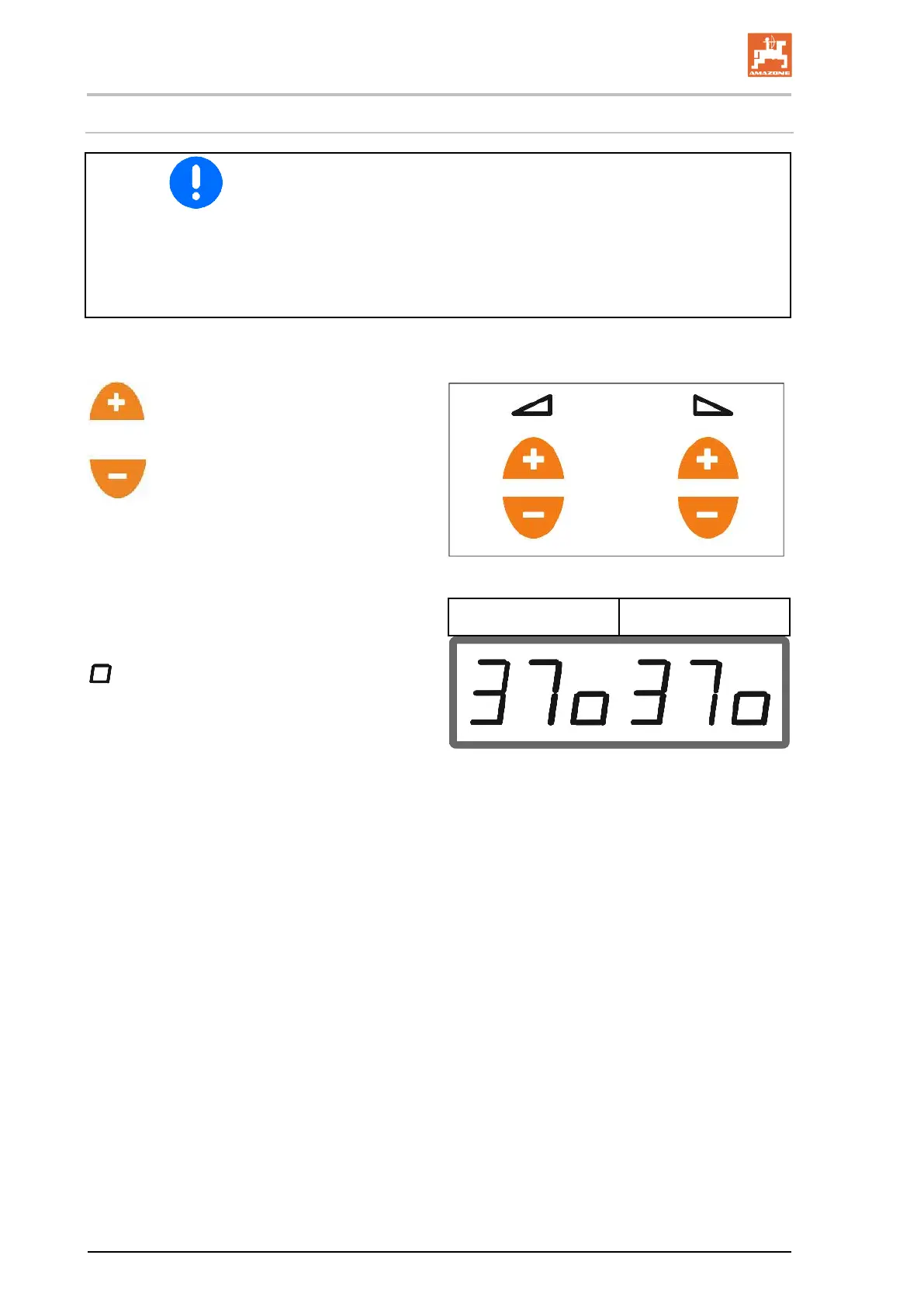
The spread rate setting is performed separately for the left and right
shutters.
Read the value for the shutter position for rate settings (0 to 62) from
the setting chart or use the result from the spread rate check.
Enter the values for the shutter position before operation. Values can
be changed during operation.
Enter higher value for higher spread
rate.
Enter lower value for lower spread rate.
27
Display: value for the shutter position.
Symbol for the value 0.5 (here 37.5).
28






 To Next Page