11Lockit Users manual |
Lockit devices that are powered up at a later point in time will automatically
follow the C-Jam Master and set their timecode and frame rate accordingly.
Note: Just one unit is allowed to be the C-Jam Master within an ACN channel. A
second master will be blocked and will also automatically follow the C-Jam Master
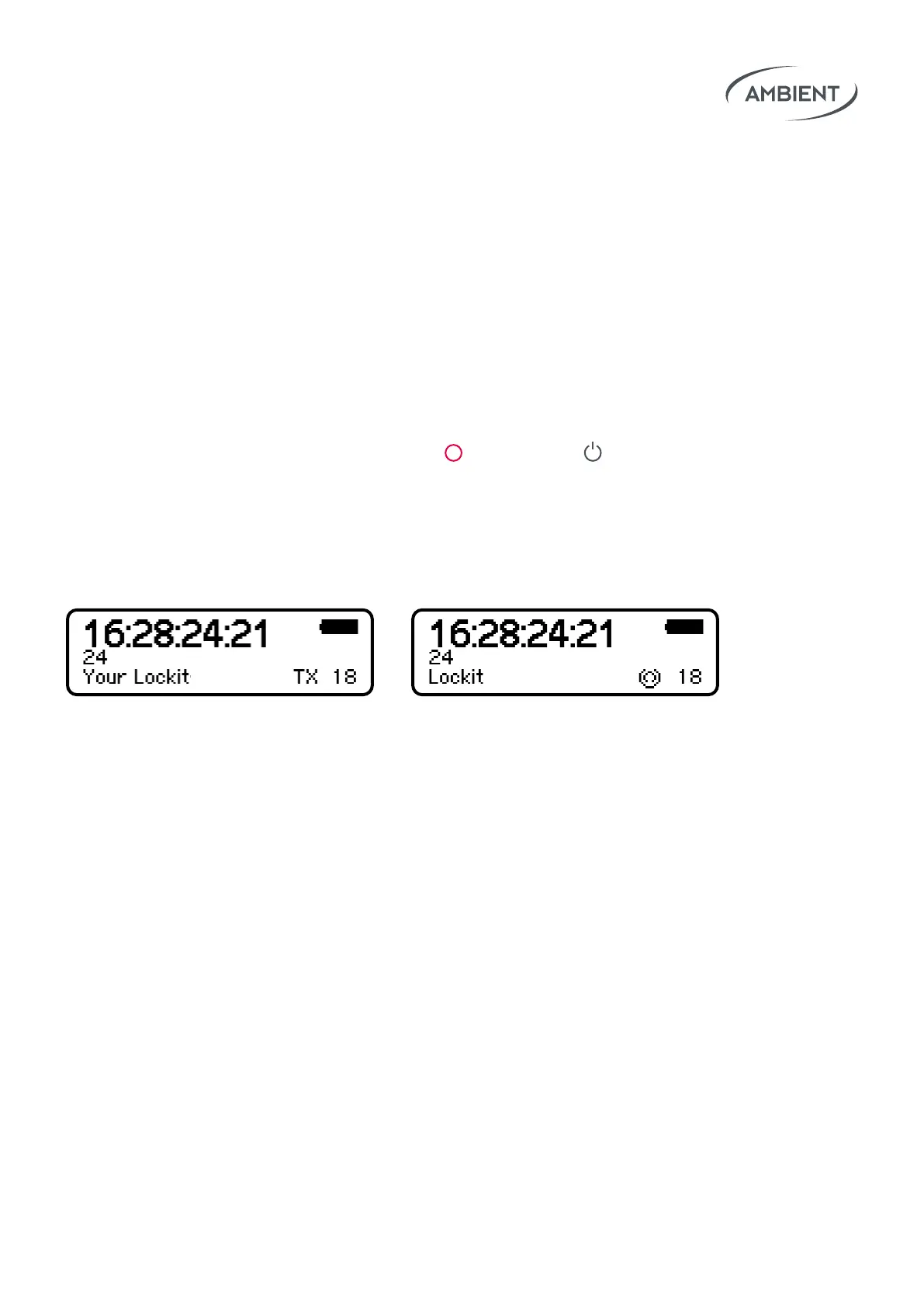
and display an ACN icon at the lower right of the display.
7.2 TX Mode (Transceiver Mode)
The TX Mode basically works like the C-Jam Mode, with the dierence that
the TX Master receives start/stop timecode and frame rate from an external
source via LTC or Midi. Main use cases are playback situations (e.g. music
video shootings), rec run setups (e.g. start/stop recording triggered by run-
ning timecode) or virtual production setups.
To start the unit as TX Master press and hold
Red, then tap Power.
On the display you will see TX appear.
The TX master will automatically adapt its speed to the LTC-in timecode
source and broadcast the external source’s TC start and stop via ACN to all
other Lockits. They will display an ACN icon at the lower right of the display.
As soon as the external source stops sending timecode to the TX Master,
the timecode on all Lockits will freeze, and they will start ashing yellow.
As soon as the timecode starts running again, they’ll ash green again.
To make the TX Mode work, all Lockit Devices must run on the latest
rmware (7.xx) which is available for Lockit, NanoLockit, LockitSlate Take2
and Lockit+.



 To Next Page