09Lockit Users manual |
6. Basic Button Operations
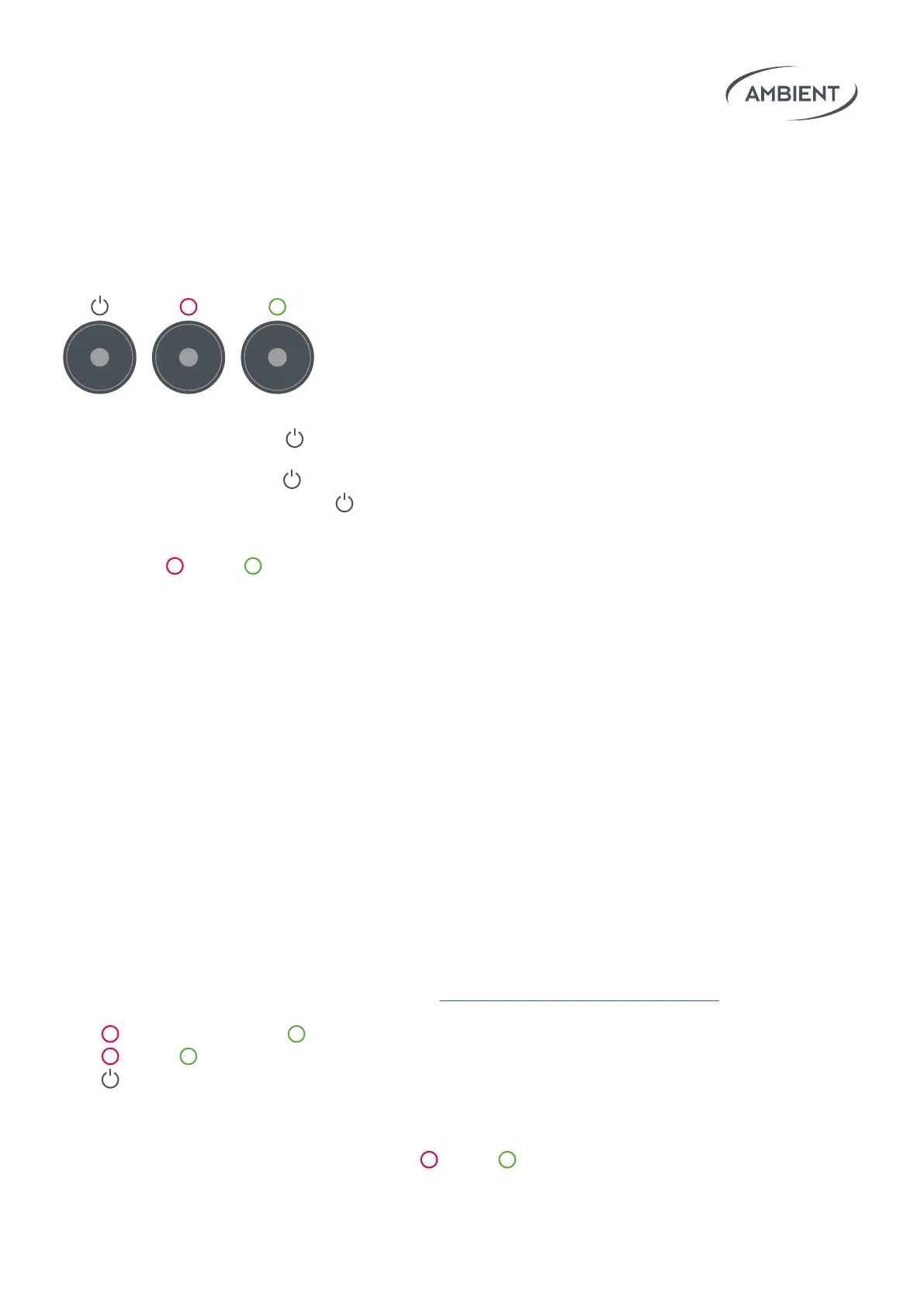
Turn On: Press and hold Power until LED lights green to start unit.
Turn O: Press and hold
Power for 5 seconds until power o menu
appears. Conm shutdown with
Power.
Access Menu: While the unit is running you can access the menu
by pressing
Red & Green simultaneously.
There you can easily set:
• Project Rate:
23.98 / 24 / 25 / 29.97 / 29.97 DROP / 30 / 47.95 / 48 / 50 / 59.94 / 59.94 DROP / 60 FPS
• Sync Output:
o / P / PsF / i / 48 kHz / 96 kHz / 192 kHz
• ACN Channel:
11 – 26 / o
• TC Start Preference:
RTC / RTC-12 / zero / one / manual
• LED Brightness:
1 – 10
• TC Out Level:
-68 / -58 / -50 / -6 / 0 / +6 dB
• Auto Power
• TC&SyncOset:
-10.00 ... +10.00 frames
Tap Red to decrease or Green to increase a parameter value.
Tap Red & Green simultaneously to conrm and proceed.
Tap
Power to cancel or to leave the menu.
Applied settings will be persistent over a reboot until reset or changed.
Reset: When switched o, press and hold
Red & Green
simultaneously to perform a factory reset of the Lockit Module.
Note: RTC-12 automatically sets Start TC to
RTC in the mornings or RTC-12 after 1pm.
Note:ndmoreinformationin
chapter 8.Special:WirelessTC&SyncOset



 To Next Page