16Lockit+ Users manual |
9.3 Radio Wizard
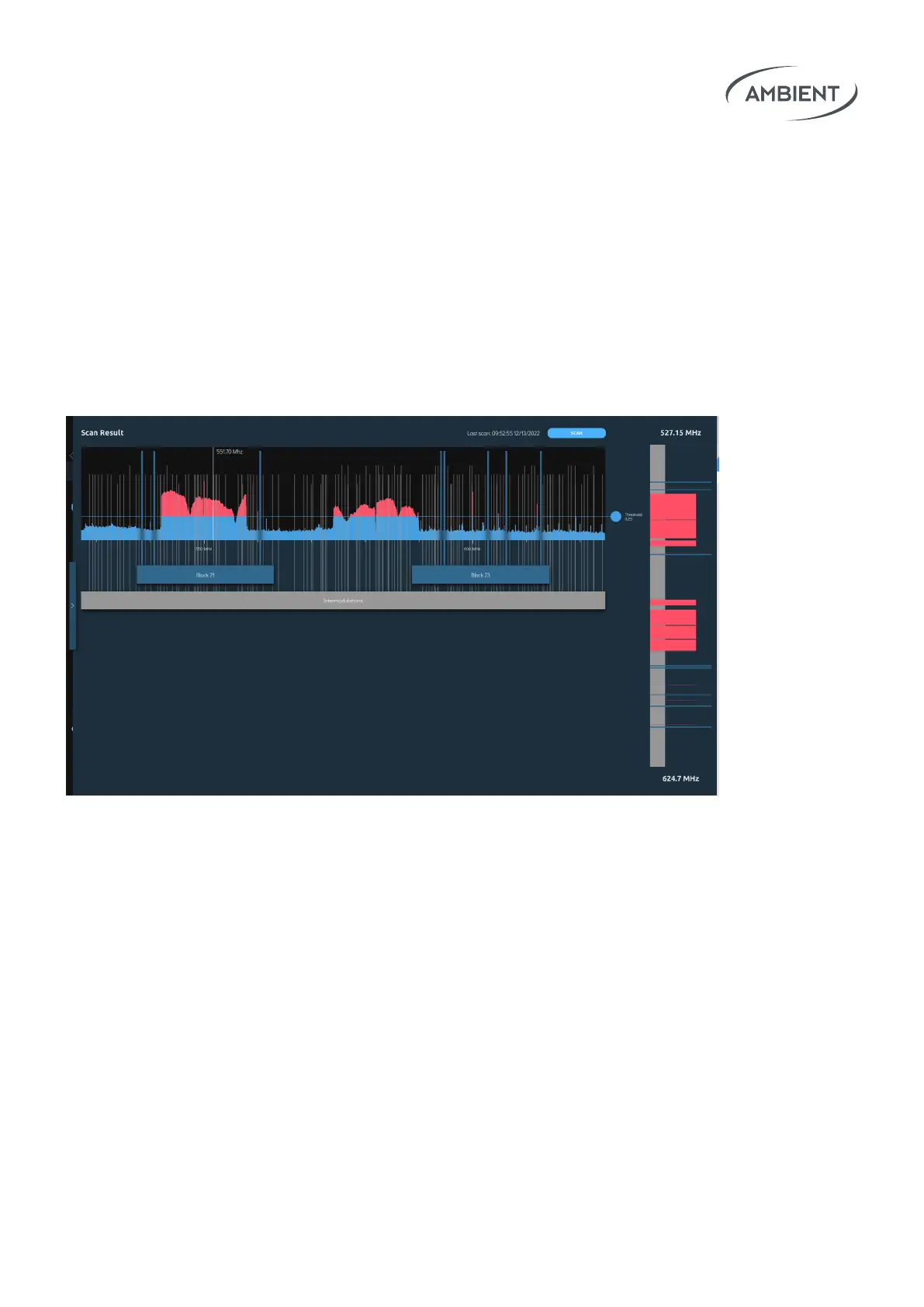
Plug the separately available antenna ACN-RF (A80958) into the USB port
and open the Radio Wizard tab in the Web Interface to perform a full
frequency scan. The frequency range may be set from 100 MHz to 1500 MHz.
You will get concrete suggestions for available frequencies for your trans-
mitters and receivers. Intermodulations caused by your wireless audios will
also be displayed.
Open the Radio Wizard tab and create your rst setup. Setup denes all the
transmitters / reciecers you currently use in your sound bag or sound cart.
You can use the same setup for the whole production or create separate
setups for dierent locations. The latter makes sense if you want so safe
radio network scans for a later point.


 To Next Page