17Lockit+ Users manual |
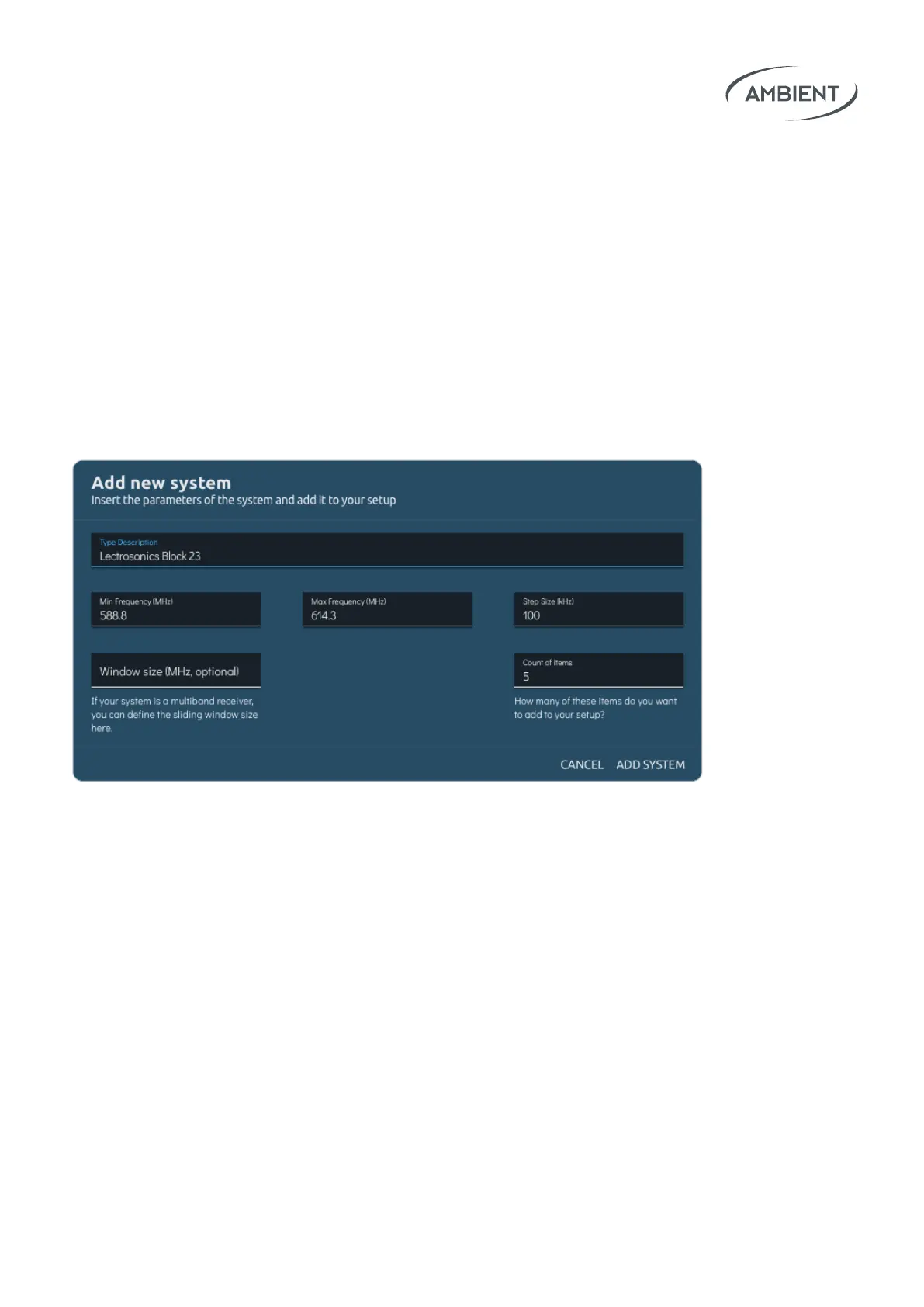
After creating your setup, you need to add systems. System means the
product type of a transmitter set (e.g.: Lectrosonics Block 32 or Wisycom
MCR54) Please insert the following parameters of your wireless system:
• min frequency (MHz)
• max frequency (MHz)
• step size (kHz)
• Window size (MHz, optional)
• Count of items
Within those systems you create dierent items. Each item will represent a
concrete wireless Transmitter / Receiver.
Afterwards click on Scan & Coordinate to run a scan in the range of your setup.
The range is automatically calculated from the lowest min frequency and the
highest max frequency of all your created items / systems.
If you encounter any problems with a suggested frequency, there are dierent
options for new coordination or a recoordination of a single item.


 To Next Page