How Your EASYHEAT Works
26
Precision Induction Heating
MBRELL
®
-
-
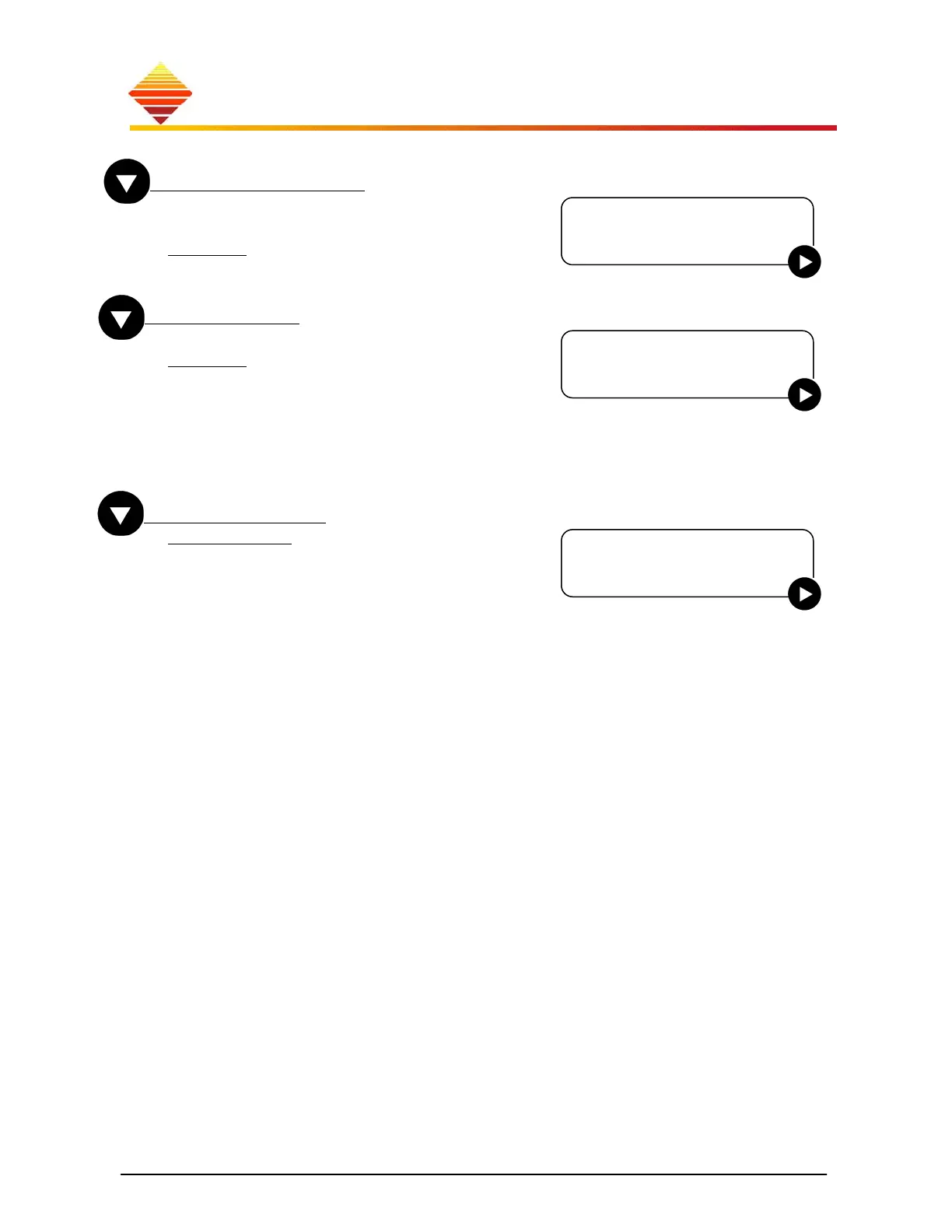
Display Percent
To enable/disable use of % displaying output
levels
Disable: display A/W
Enable: display A/W as a % of maximum
Start Type
To change START type
2button: HeatOn when START is pulsed (or
CTB1 signal is closed) and remains on when
released. HeatOn ceases when STOP is pressed
or when timer expires
1button: HeatOn only while button is pressed
(or CTB1 signal closed), ceases when button is
released.(or CTB1 signal opens)
Control From
Front Panel: during HeatOn, RF output
follows setpoint entered at front panel
Rear Panel: your analog signal controls output
File A...: use one of four profiles you specify
(§2.3)
RS485 4 Wire: if ‘Communication = RS485 4
Wire’, below, select this to adjust output with
serial command
Control From
►Front Panel
Display Percent
►Disable
Start Type
►2 Button



 To Next Page