Mouse Operation
Please refer to the following sheet for mouse operation instructions.
When you have selected one menu item, left mouse click to view the menu
content.
Modify a checkbox or motion detection status.
Click a combo box to show the dropdown list
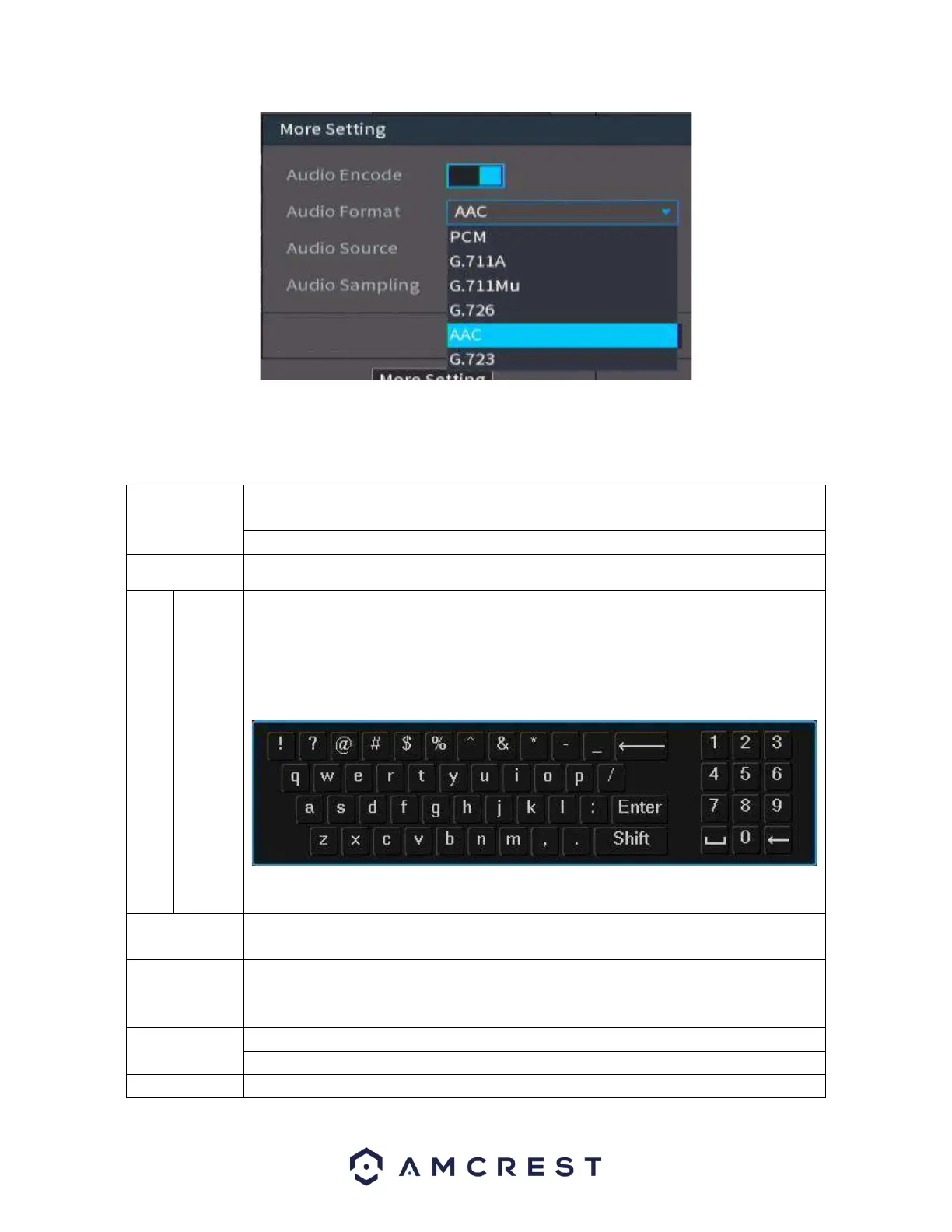
In an input box, you can select different input methods. Left click the
corresponding button on the panel to input a numeral/English character.
(small/capitalized). Here ← stands for backspace. _ stands for space.
In English input mode: _ stands for inputting a space icon and ← stands for
deleting the previous character.
In numeral input mode: _ stands for clear and ← stands for deleting the previous
numeral.
Implement special control operations such as double click one item in the file list
to playback the video.
In multiple-window mode, double left click one channel to view in full-screen.
Double left click the current video again to go back to previous multiple-window
mode.
In real-time monitor mode, this pops up a shortcut menu.
Exit the current menu without saving any modifications.
In a numeral input box: Increase or decrease the numeral value.



 To Next Page