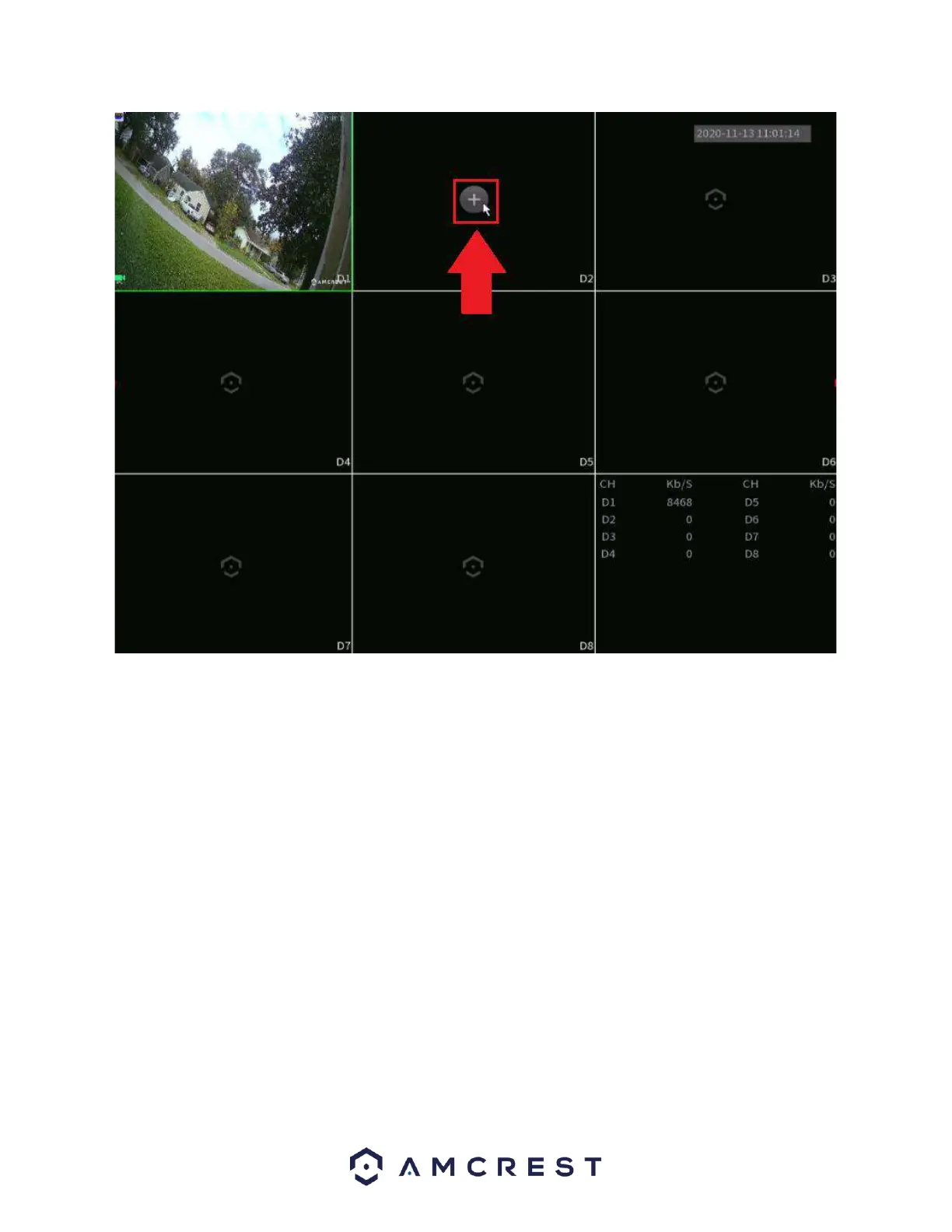
This will take you to a camera registration screen. Click on Device Search or Manual Add to begin adding
the device. If using Device Search, please make sure the camera is on the same network as the NVR before
searching. Once the camera has been detected, click on the device to highlight it, and click Add.
Please note, if the device is not registering to the device, the username or password may need to be
updated for the camera. This can be resolved by right clicking on the screen and choosing Camera
Registration.
In the registration screen, click on the Edit icon (pencil) and ensure the username and password are
correct and click Connect. Once this is verified click Save. The status indicator for the camera should turn
green, indicating the camera has been added successfully.



 To Next Page