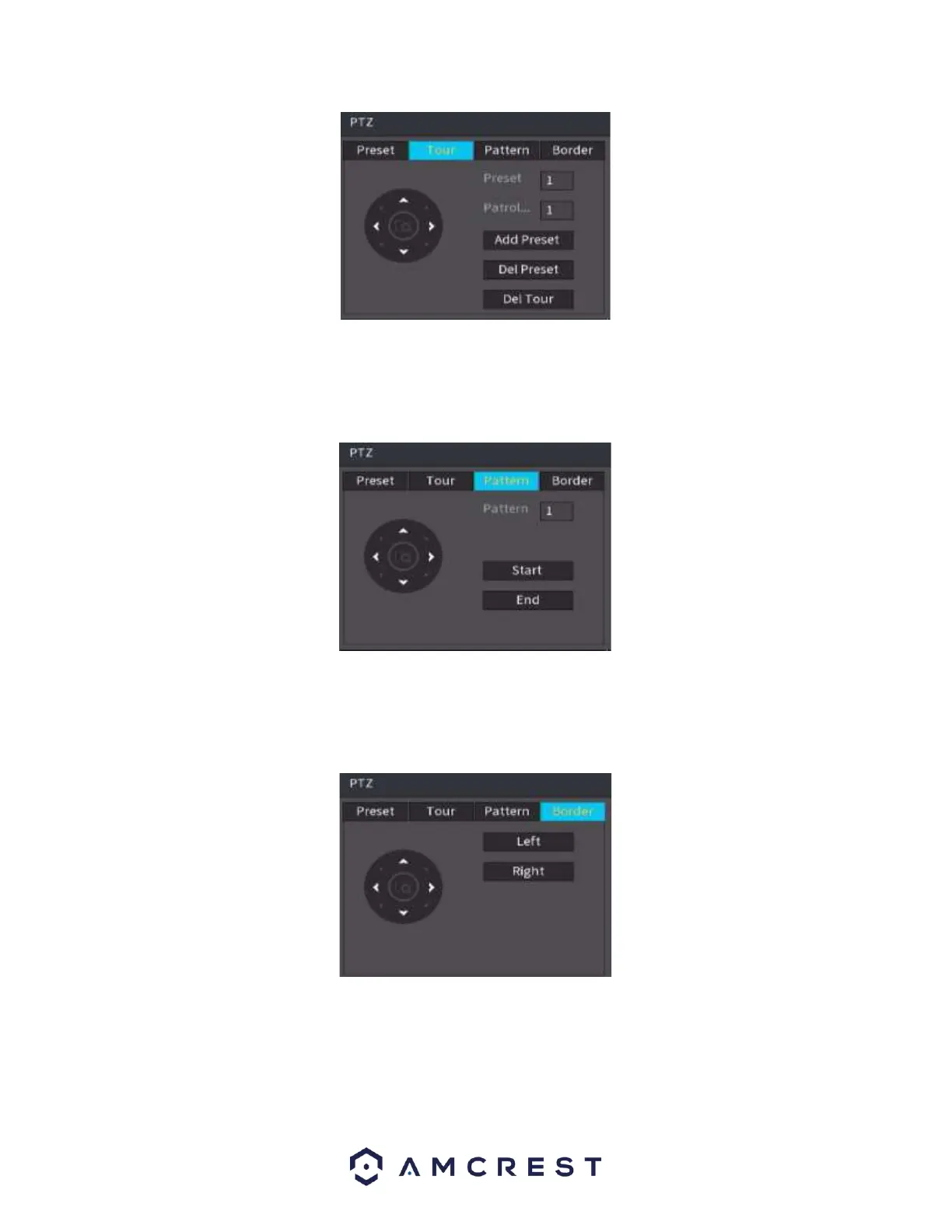
Pattern Setup
Click the Pattern button and input pattern number.
Click the Begin button to start the direction operation. Or you can go back to the screen below to operate
zoom/focus/iris/direction operation.
Click the End button.
Scan Setup
Click the Scan button.
Use the direction buttons to set the camera’s left limit and then click the Left button. Use the direction
buttons to set the camera’s right limit and then click the Right button. Now the scan setup process is
complete.
View 1: View a single device in the video wall.
View 4: View 4 simultaneous devices in the video wall. The same concept will apply to any other View
(Window Split) options in this menu.
Sequence: Allows the user to display in which sequence the cameras will be displayed in the video wall.
Custom Split: Allows the user to customize how the splits will be arranged on the video wall.



 To Next Page