Call Scan
Input the Scan value and then click to call a scan. Click again to stop the call.
Auto Pan
Click to enable the camera to enable any auto pan presets set in the device. Click again to
disable this preset.
Flip
Click to enable the camera to flip its image.
Reset
Click to return to exit the current PTZ operation.
PTZ Function Setup
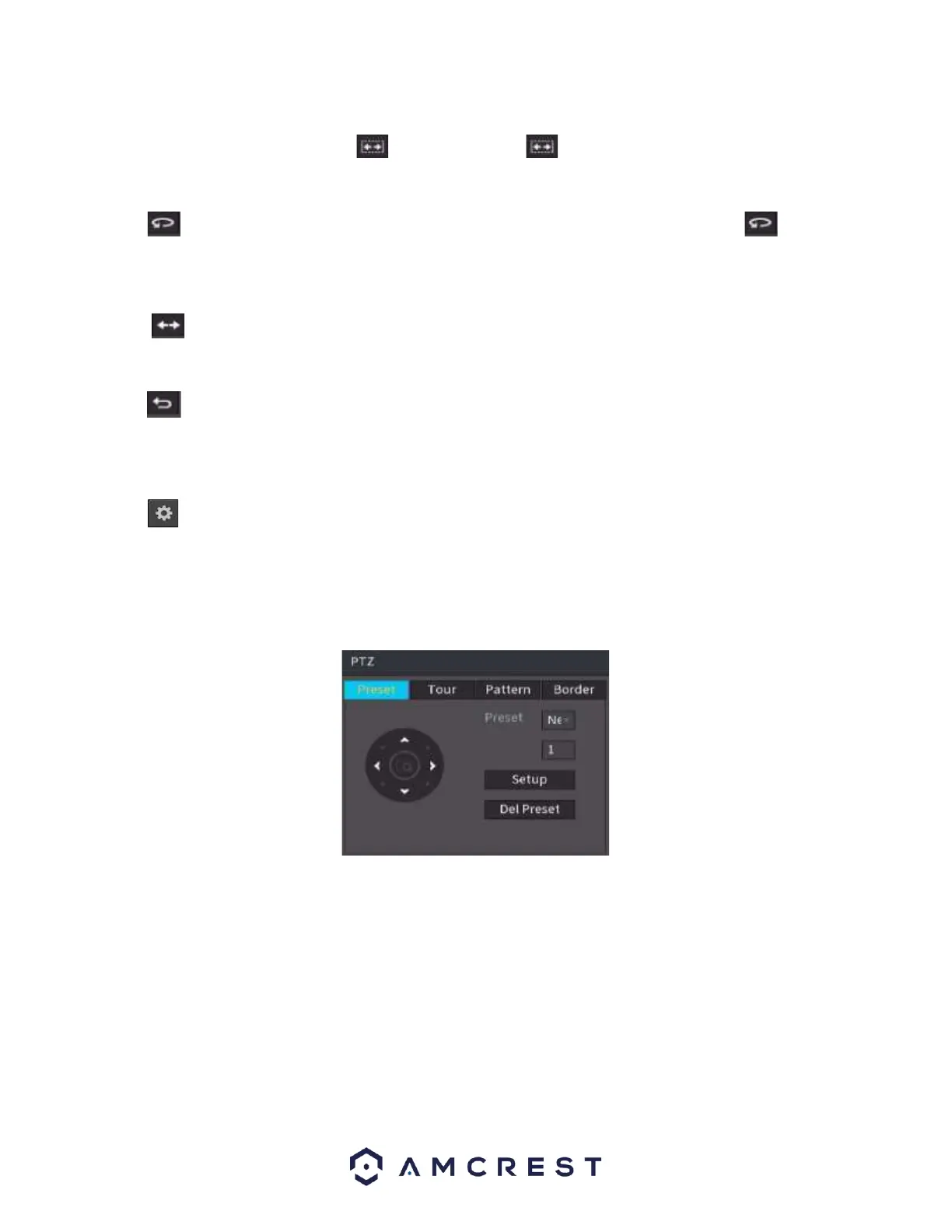
Click to go to the following interface to set preset, tour, pattern, and scan.
Preset Setup
Click the Preset button and use the eight direction arrows to adjust camera to the proper position.
Click the box next to Preset and then input the preset number. Click the Set button to Save the current
preset.
Tour Setup
Click the Tour tab. Input tour value and preset No. Click the Add preset button to add the current preset
to the tour.
Tips
Repeat the above steps to add more presets to the tour. Click the Del preset button to remove it from the
tour. Please note some protocols do not support the delete preset function.



 To Next Page