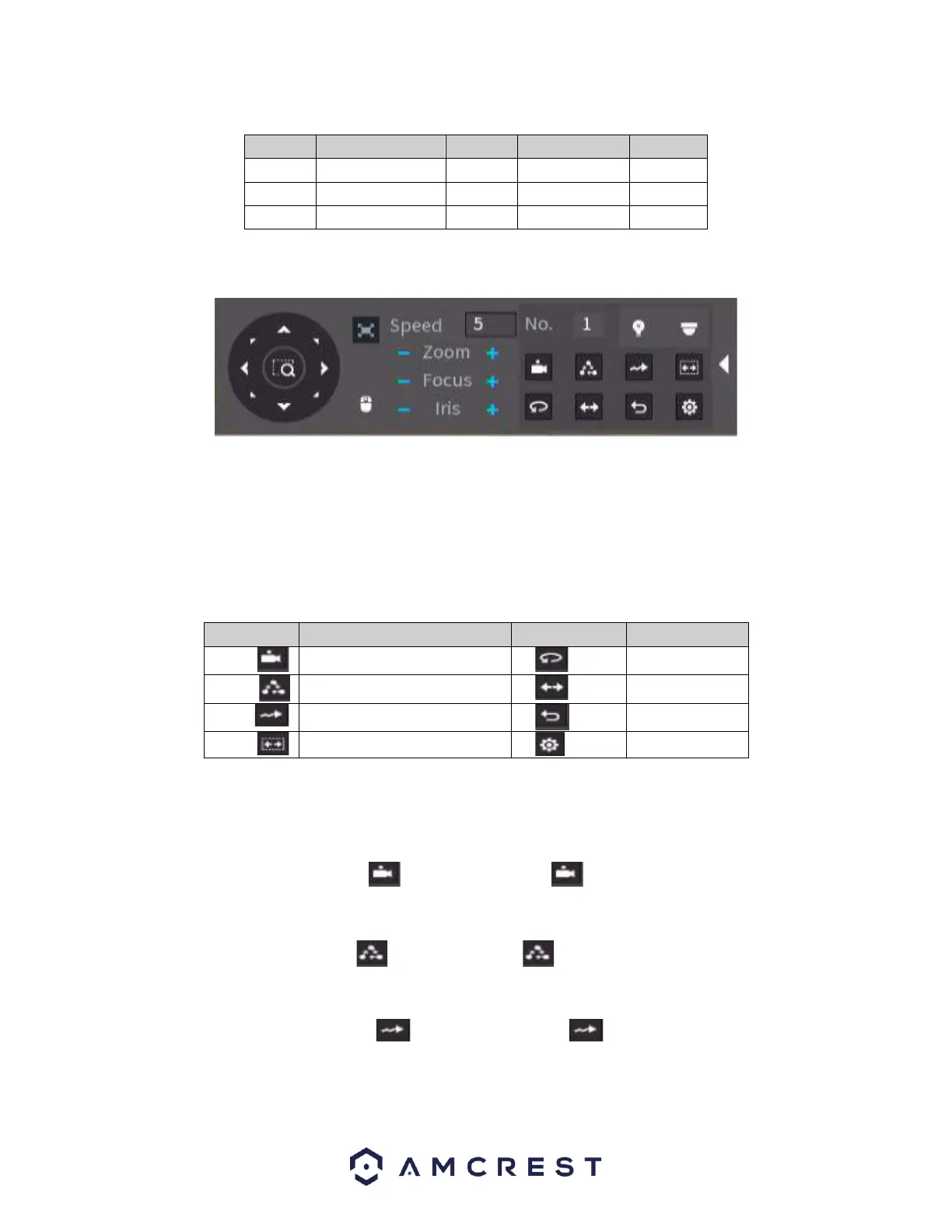
Click the “>” icon to open the menu. You can set preset, tour, pattern, scan, etc.
Refer to the following sheet for detailed information.
Please note the above interface may vary due to different protocols. The button is grey and cannot be
selected if the current function is null.
Right click or click the ESC button on the front panel to go back
Call PTZ Function
Preset
Input the Preset value and then click to call a preset. Click again to stop the call.
Call Tour
Input the Tour value and then click to call a tour. Click again to the stop call.
Call Pattern
Input the Pattern value and then click to call a pattern. Click again to stop the call.



 To Next Page