24
S-Video to Component Video (using the ATI 9-Pin HDTV Output Cable)
3 Attach the ATI 7-Pin HDTV Output Cable to the S-Video connection
on the graphics card.
4 Matching the colors on the connectors, connect one end of the RCA
patch cables to the AT
I 7-Pin HDTV output cable. Connect the other
end of the RCA patch cables to the component video connections on
the HDTV.
5 Connect one end of a sound cable to the computer sound card.
Connect the other end of the cable to the sound input on the HDTV.
6 If necessary, configure the HDTV for external audio. For more
information, see the documentation that came with the TV.
Legend
1 Computer
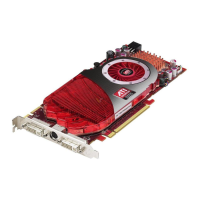
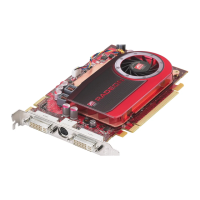
2 S-Video connection on the graphics card
3 AT
I 7-Pin HDTV output cable
4 Male RCA patch cables (available from consumer electronics dealer, not
to exceed 50 feet or 15 meters.)
5 Component video connection on the HDTV
6 HDTV (Set to YPbPr input. For information specific to the device, see the
HDTV manual.)


 To Next Page
 Loading...