25
7 Power on the monitor and HDTV, and then power on the computer.
The HDTV will not display anything until Windows® starts.
8 Configure the HDTV using the ATI Catalyst™ Control Center,
Displays Manager.
Connect to a composite video device
(S-Video-to-S-Video or Composite Video)
1 Before connecting a composite video device, attach a monitor to the
computer and install the video drivers.
2 Make sure the computer and monitor are off.
S-Video to S-Video or Composite Video
Legend
1 S-Video connector to graphics card
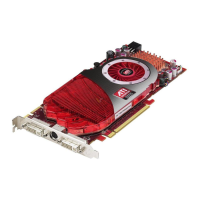
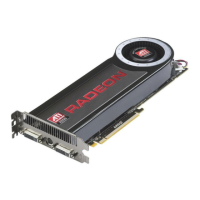
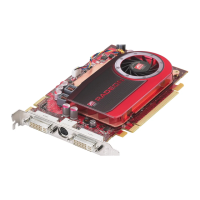
2 S-Video connection on graphics card
3 Composite video connector
4 S-Video connector
5 Composite video and S-Video connections on TV or VCR



 To Next Page
 Loading...