26
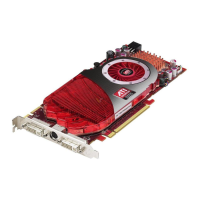
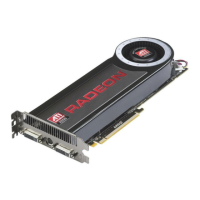
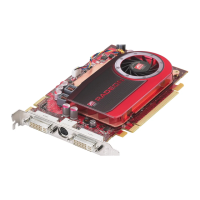
3 Connect the S-Video connector on the composite video cable to the
S-Video connection on the graphics card. Connect the other end of the
composite video cable to either the S-Video or composite video
connection on the composite video device.
4 Power on the monitor and composite video device, and then power on
the computer.
The composite video device will not display anything until
Windows® starts.
5 Configure the composite video device using the ATI Catalyst™
Control Center, Displays Manager.


 To Next Page
 Loading...