Renaming a folder
Click the right mouse button on the folder and select
‘Rename Folder’ from the menu that appears.
Type the new name into the popup window that appears
and then click the OK button.
Deleting a folder
Click the right mouse button on the folder and select ‘Delete
Folder’ from the menu that appears.
If the folder contains content files then you will not be
allowed to delete it. Otherwise click OK in the popup
window to remove the folder.
Moving a Content File
You can also move content files between folders by dragging and
dropping the files onto folders. Simply press and hold the left
mouse button on the item to be moved, drag it onto the required
folder and the release the mouse button.
Adding Content to a Folder
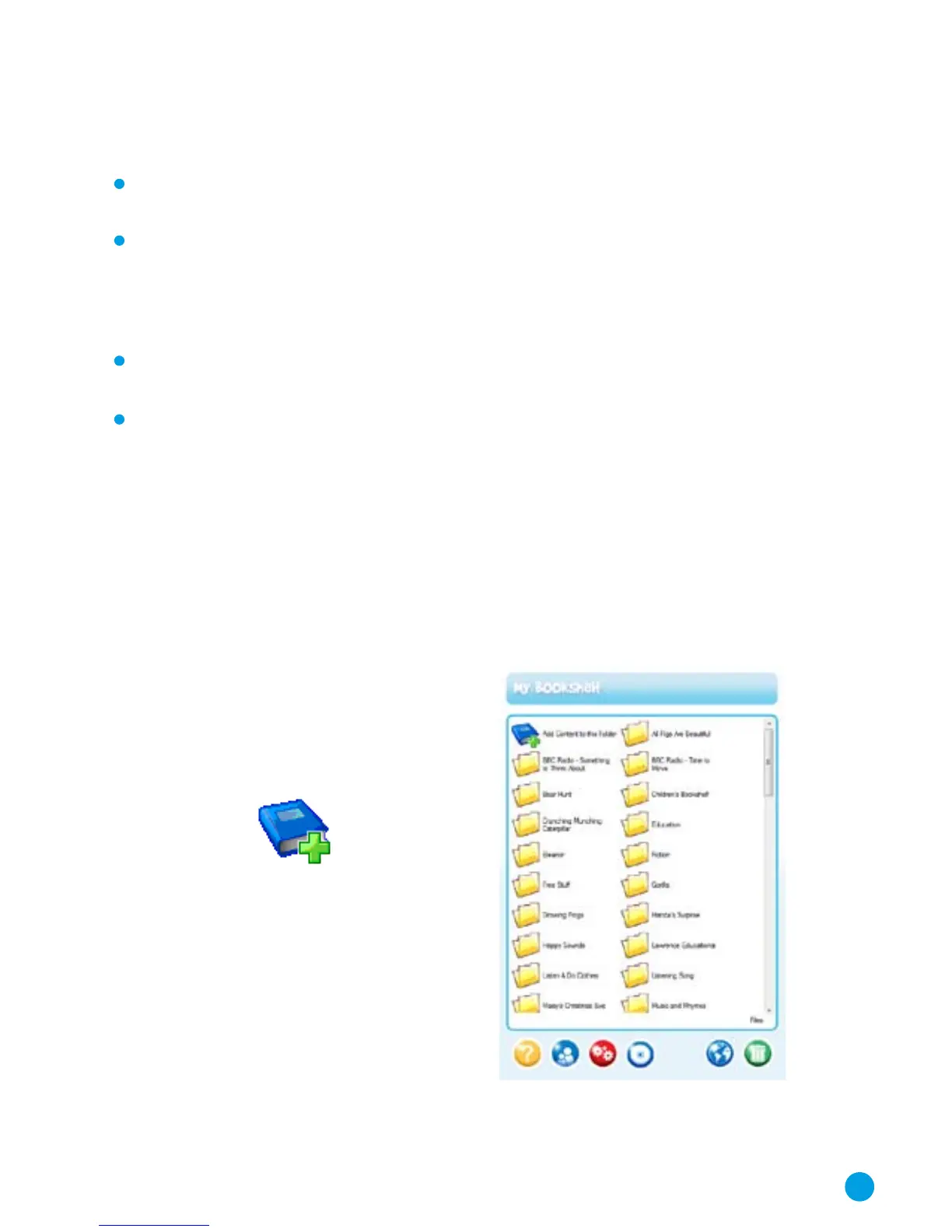
You can add audio files to your BookShelf
software using this button.
For further details see pages 18 and 19.
Please note the copyright
message in the software.
11



 To Next Page