APPENDIX H
ELT CODING PROGRAMMING, ID READER AND MAINTENANCE TEST,
P/N TS-451
Important Note: These tests should be performed only within an RF Screen
Room or Facility providing shielding of RF Emissions.
1. Setup
Use provided cable to connect the ELT (RJ-12 port) to the mini PC (USB port)
2. ELT Coding Programming
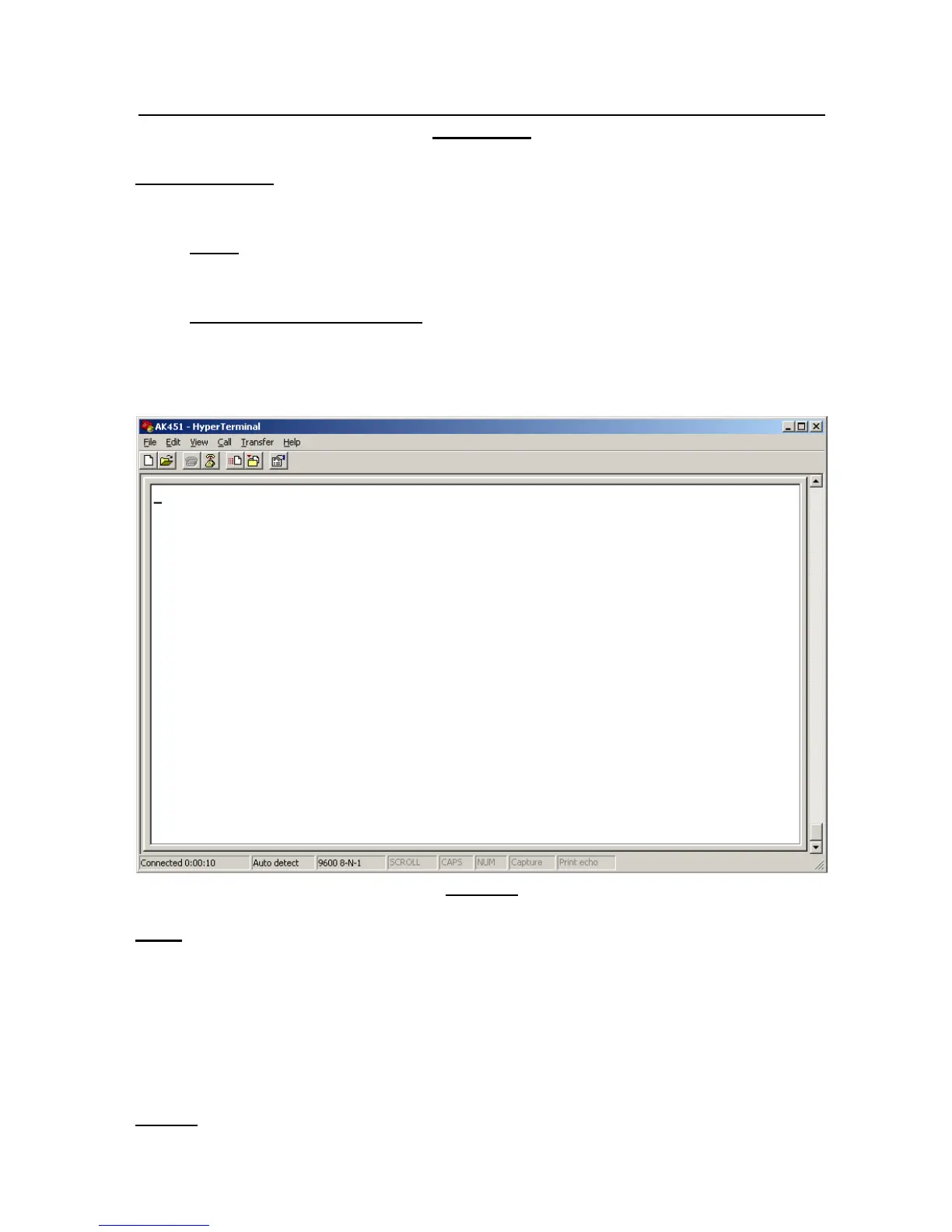
2.1 Double-Click “AK451” Icon to run the program. The programming
window appears as below:
Figure 1
Note: If you don’t see the window above, you may try the other USB port.
2.2 Set the ELT main switch to “ARM” position.
2.3 Verify the LED ‘ON’ light illuminates for 4 seconds.
2.4 At the “:>_” prompt, type: cn Password command then press “Enter”
to go to main menu. Must type this command within next 20 seconds
after the command prompt appears.
Note 1: Please contact Ameri-King for Password, via Email or fax or call.



 To Next Page