EasyManua.ls Logo

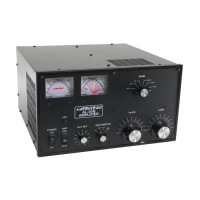
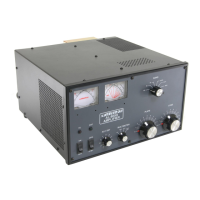
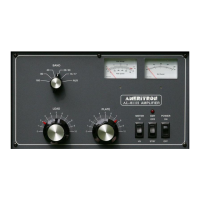
AMERITRON AL-80A - Tuning Instructions

AMERITRON AL-80A
12 pages
Print Icon
To Next Page IconTo Next Page
To Previous Page IconTo Previous Page
Loading...
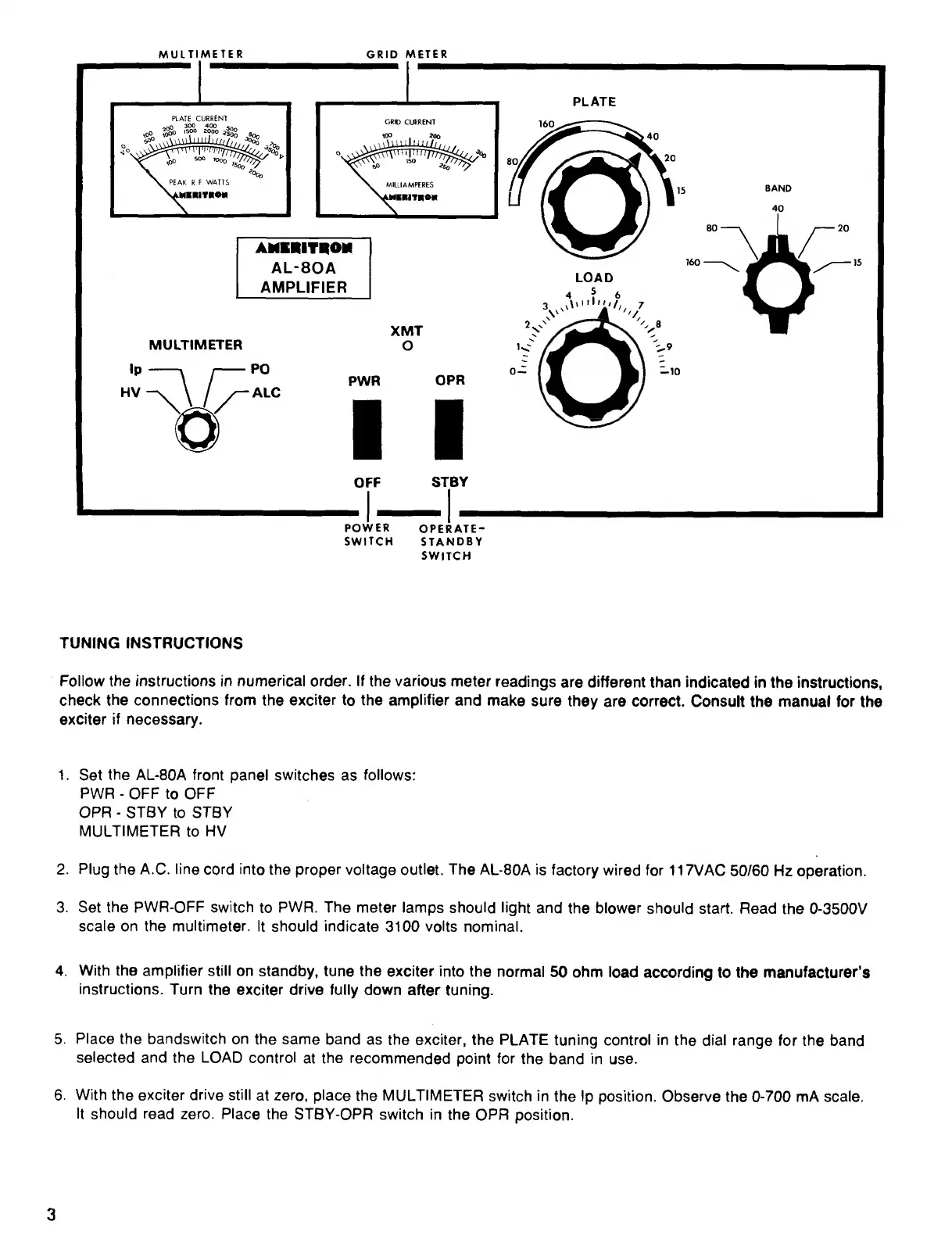
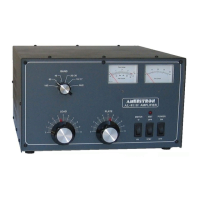
POWER
OPERATE-
SWITCH
STANDBY
SWITCH
TUNING
INSTRUCTIONS
Follow
the
instructions
in
numerical
order.
If
the
various
meter
readings
are
different
than
indicated
in
the
instructions,
check
the
connections
from
the
exciter
to
the
amplifier
and
make
sure
they
are
correct.
Consult
the
manual
for
the
exciter
if
necessary.
1.
Set
the
AL-80A
front
panel
switches
as
follows:
PWR
-
OFF
to
OFF
OPR
-
STBY
to
STBY
MULTIMETER
to
HV
2.
Plug
the
A.C.
line
cord
into
the
proper
voltage
outlet.
The
AL-80A
is
factory
wired
for
117VAC
50/60
Hz
operation.
3.
Set
the
PWR-OFF
switch
to
PWR.
The
meter
lamps
should
light
and
the
blower
should
start.
Read
the
0-3500V
scale
on
the
multimeter.
It
should
indicate
3100
volts
nominal.
4.
With
the
amplifier
still
on
standby,
tune
the
exciter
into
the
normal
50
ohm
load
according
to
the
manufacturer’s
instructions.
Turn
the
exciter
drive
fully
down
after
tuning.
5.
Place
the
bandswitch
on
the
same
band
as
the
exciter,
the
PLATE
tuning
control
in
the
dial
range
for
the
band
selected
and
the
LOAD
control
at
the
recommended
point
for
the
band
in
use.
6.
With
the
exciter
drive
still
at
zero,
place
the
MULTIMETER
switch
in
the
Ip
position.
Observe
the
0-700
mA
scale.
It
should
read
zero.
Place
the
STBY-OPR
switch
in
the
OPR
position.
3

Related product manuals