Setup Summary
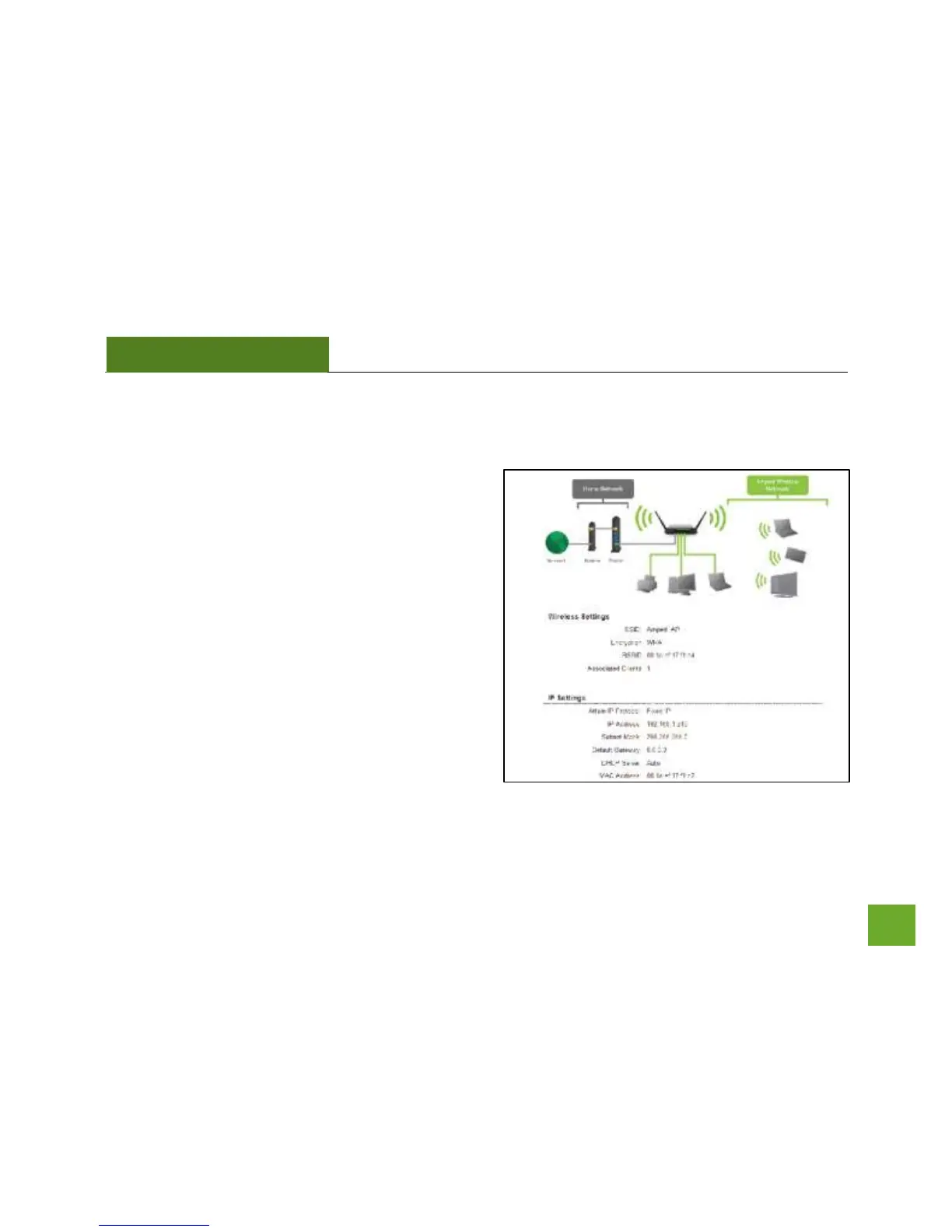
The Setup Summary provides you with information
regarding your current settings.
If you have wired network devices, you may attach them
to the wired ports on the back of the Smart Access Point
for additional wired connectivity.
For information on additional settings and configurations
for your Smart Access Point, continue to the next
section.



 To Next Page