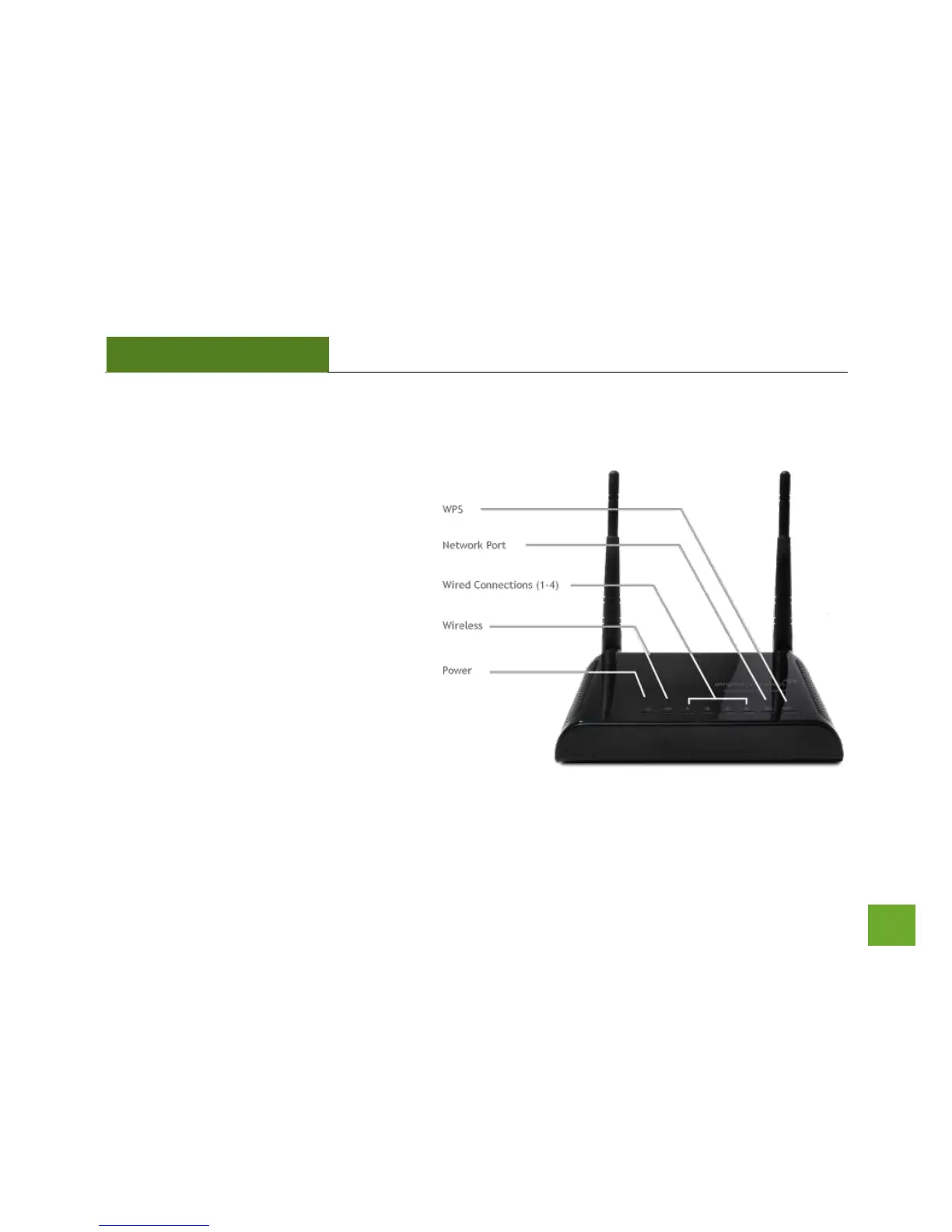
LED Indicators
Power: When lit, the power is on.
Wireless Activity: Blinks rapidly when
wireless data traffic is passing through the
Access Point.
Wired Connections: Shows the connection
status and data activity of each wired LAN
port.
Network Connection: Shows the connection
status between the Access Point and your
router/network.
WPS: Wi-Fi Protected Setup activity. When
the WPS mode is activated the WPS LED
blinks as it awaits a connection.



 To Next Page