Home
Amped Wireless
Wireless Access Point
AP300
Page 21 (Wireless Settings: Advanced Settings)
Amped Wireless AP300 - Wireless Settings: Advanced Settings
49 pages
Manual
Save Page as PDF
To Next Page
To Next Page
To Previous Page
To Previous Page
Loading...
AP
300
USER’S GUIDE
20
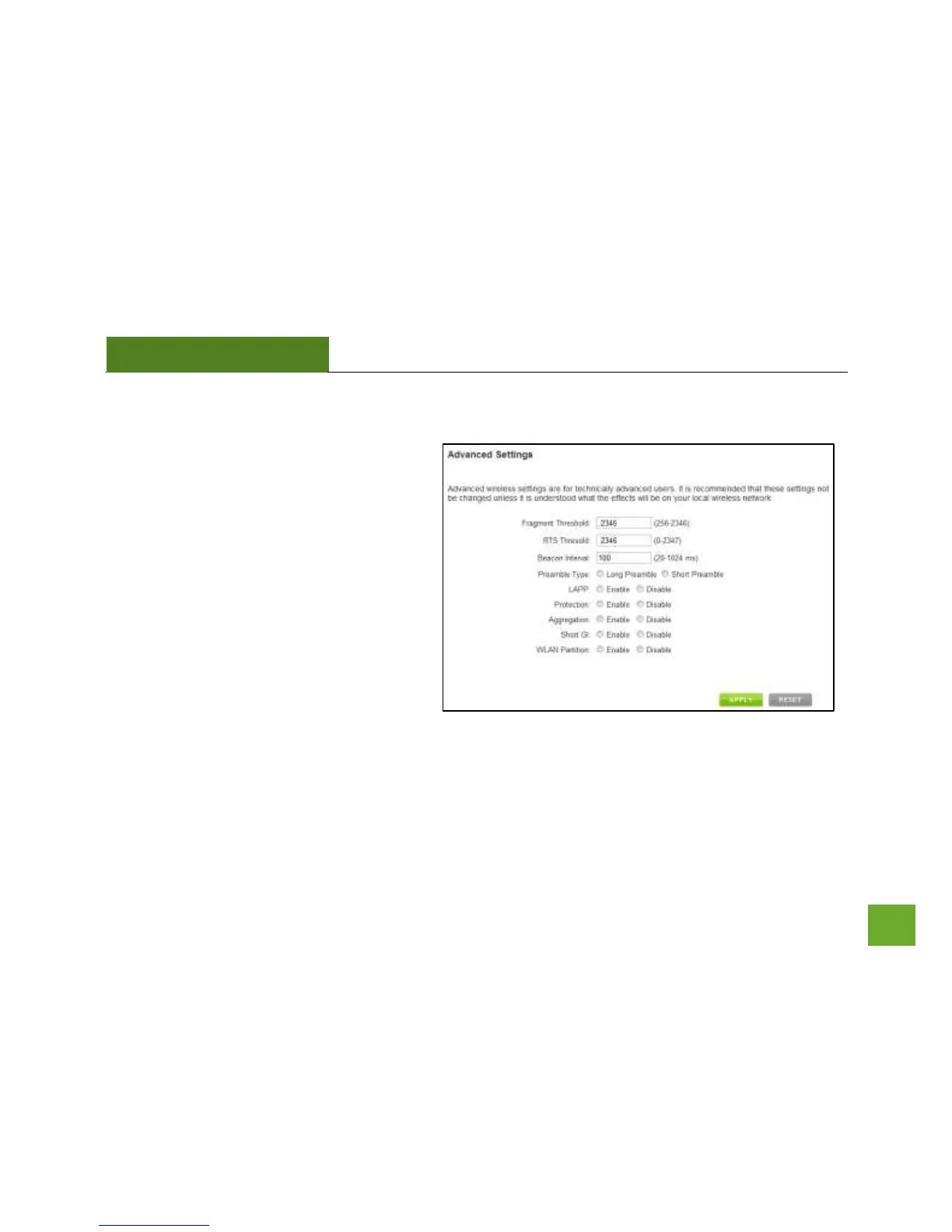
Wireless Settings: Advance
d Settings
It is recommended that
only experts in Wi
-
Fi
configuration adju
st the advanced wireless
settings for the S
mart Access Point
.
These settings allow you
to control the details
of your wireless network con
figuration.
20
22
Table of Contents
Main Page
Default Chapter
2
Table of Contents
2
Introduction
3
Getting Started
4
Package Contents
4
LED Indicators
5
Back Panel Description
6
Plug and Play Setup Guide
8
Additional Settings
10
Accessing the Settings Menu
10
Open Your Web Browser
11
Welcome to the Smart Setup Wizard
12
Set the System Clock
13
Wireless Network ID
14
Wireless Network Security
15
Setup Summary
16
Wireless Settings
17
Basic Settings
17
Security Settings
19
Wireless Settings: Wi-Fi Protected Setup (WPS)
20
Wireless Settings: Advanced Settings
21
Smart Features
22
Wireless Settings: Access Schedule
23
User Access Control
24
Wireless Coverage Controls
25
Ip Settings
26
Management Features
28
System Clock
29
Upgrade Firmware
30
Save and Reload Settings
31
Password Settings
32
USING POWER over ETHERNET (Poe)
33
Technical Specifications
35
Default Settings
36
Troubleshooting and Support Information
37
Warranty and Regulatory Information
44
Other manuals for Amped Wireless AP300
Setup Guide
2 pages
Related product manuals
Amped Wireless AP600EX
55 pages



 To Next Page