WIRELESS SETTINGS
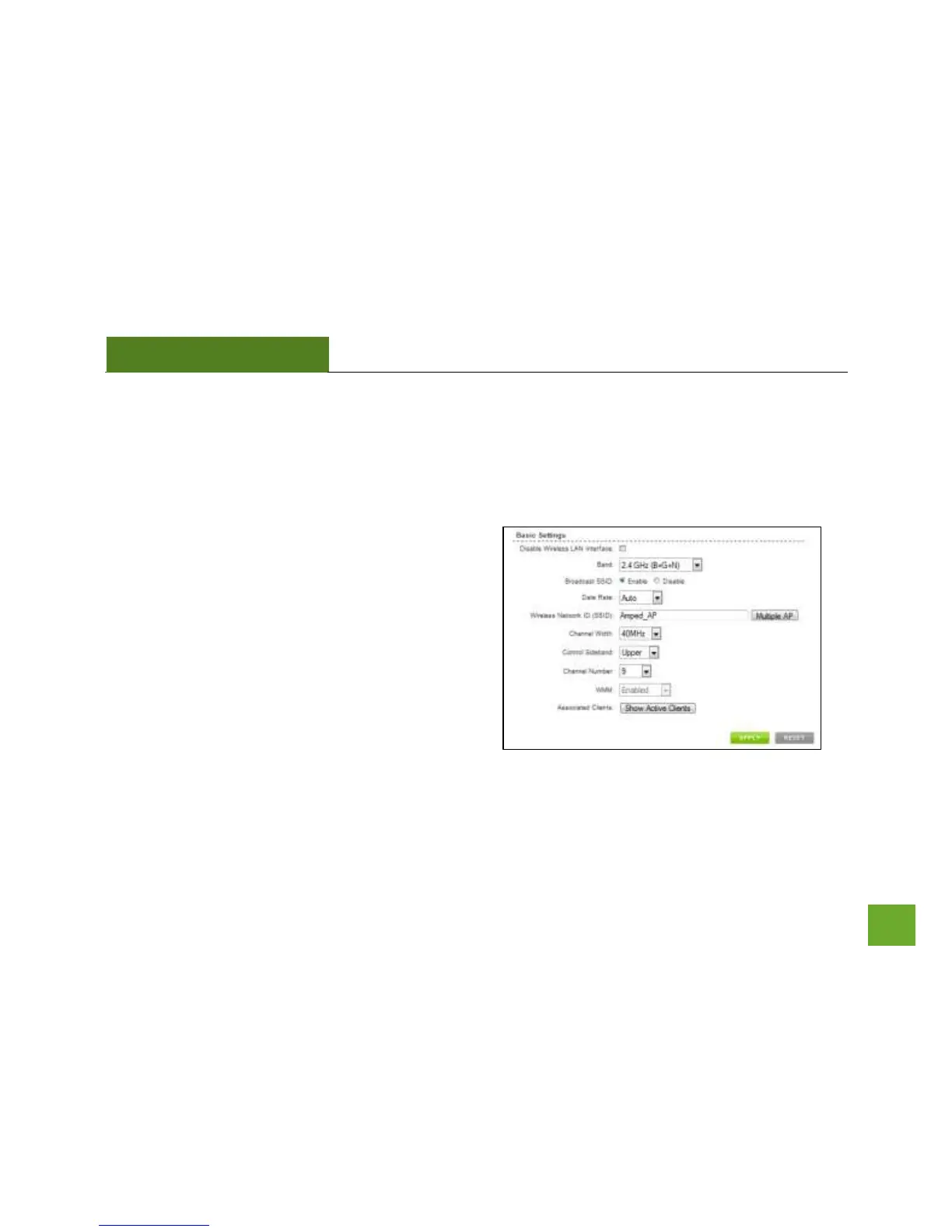
Wireless Settings: Basic Settings
The Wireless Basic Settings page allows you to adjust
settings for your wireless network. These settings are
for adjusting the Smart Access Point after you have
already gone through the Smart Setup Wizard and wish
to adjust your current configurations.
Disable Wireless LAN Interface: Turns off all wireless
access.
Band: Allows you to setup access under a specific
combination of Wi-Fi speed standards.
Broadcast SSID: Disabling the broadcasting of your SSID will make it so outside users cannot see your network
when they scan for wireless networks. Users must manually enter the SSID to connect.



 To Next Page