Wireless Settings: Wi-Fi Protected Setup (WPS)
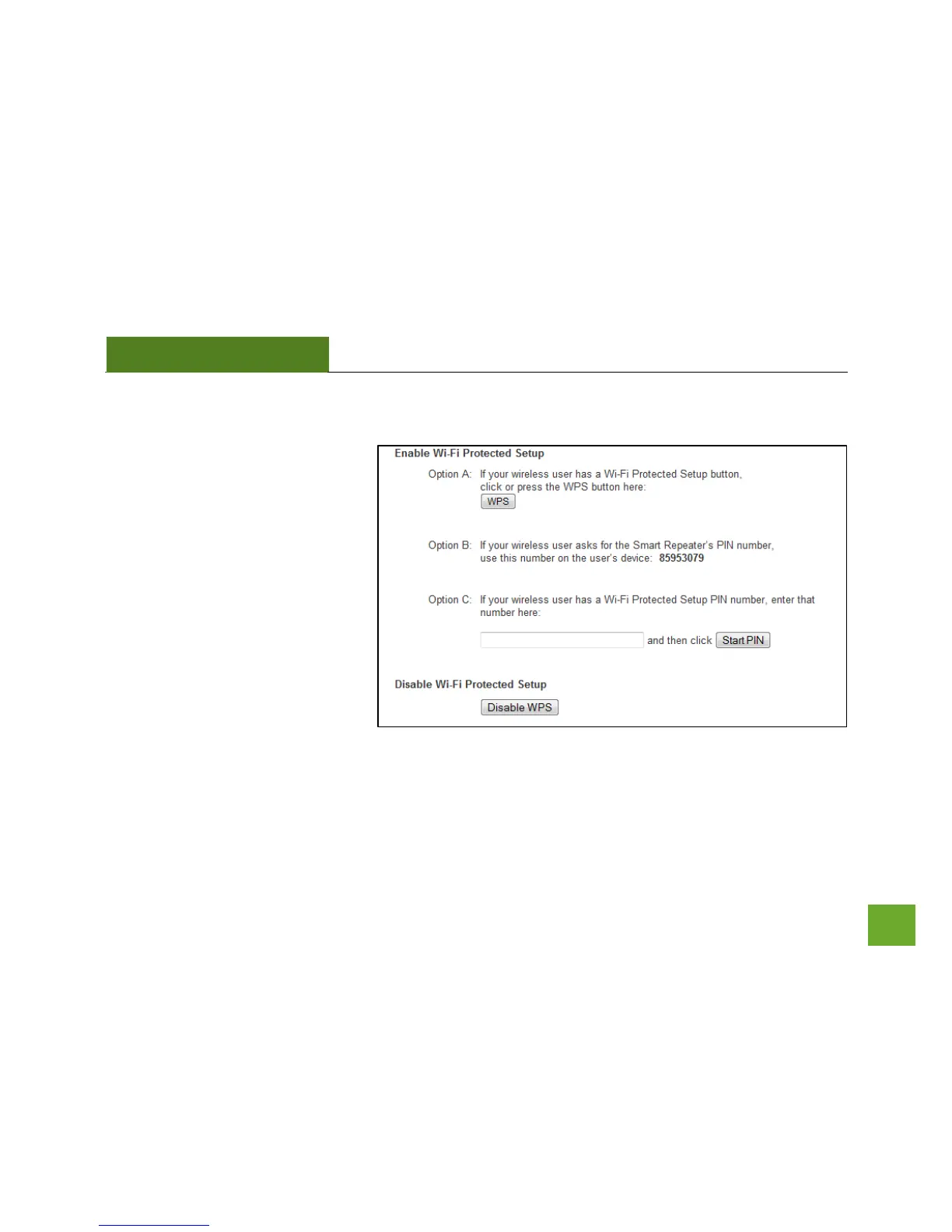
WPS is a Wi-Fi feature created to
make Wi-Fi setup simpler and easier.
Some wireless devices and adapters
support this feature with varying
names (i.e. one touch setup or WPS).
You may enable WPS setup here by
selecting the type of WPS setup you
wish to use. The Smart Access Point
supports all types of WPS setup:
Push button: You may push the WPS
button on the web menu or use the
physical button on the back of the
Smart Access Point.



 To Next Page