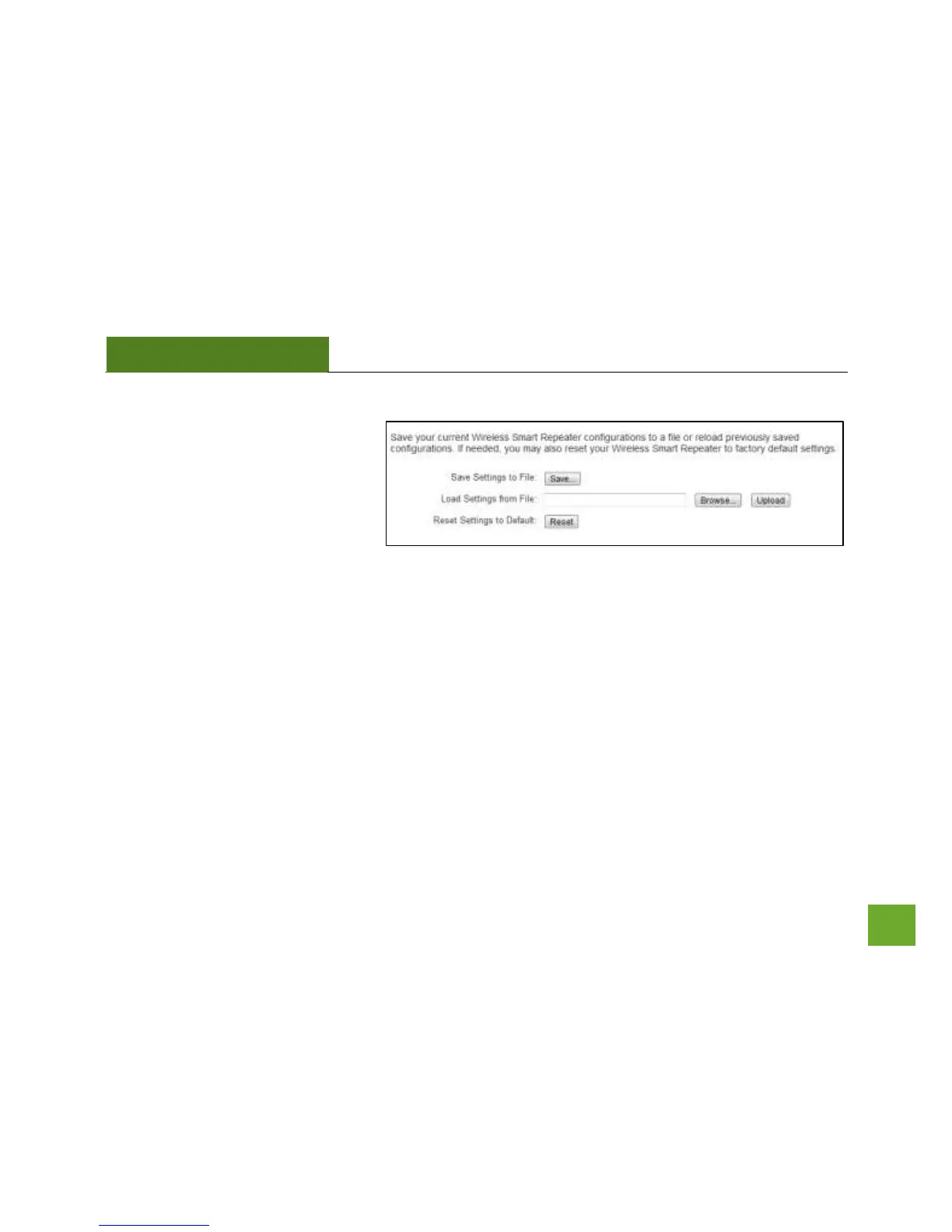
Management: Save and Reload Settings
Saving your current settings allows you
to back-up your current settings which
may be reloaded at a later time. This
feature may be useful for testing new
features and settings without having
to worry about returning to a stable
platform.
To save current settings:
a. Click Save
b. Select a file name and location
To load previously saved settings:
a. Click Browse
b. Locate the previously saved settings file
c. Click Upload to restore the settings to the
saved file.



 To Next Page