Helpline 0844 800 6503 (See page 58 for costs and hours of operation)
Change case
Select a font set (ABC = without special characters / AÀÁÂÃÄÅ = with special
characters / ABΓ = Greek / AБBΓ = Cyrillic). This font set will be used for entries in
the phonebook.
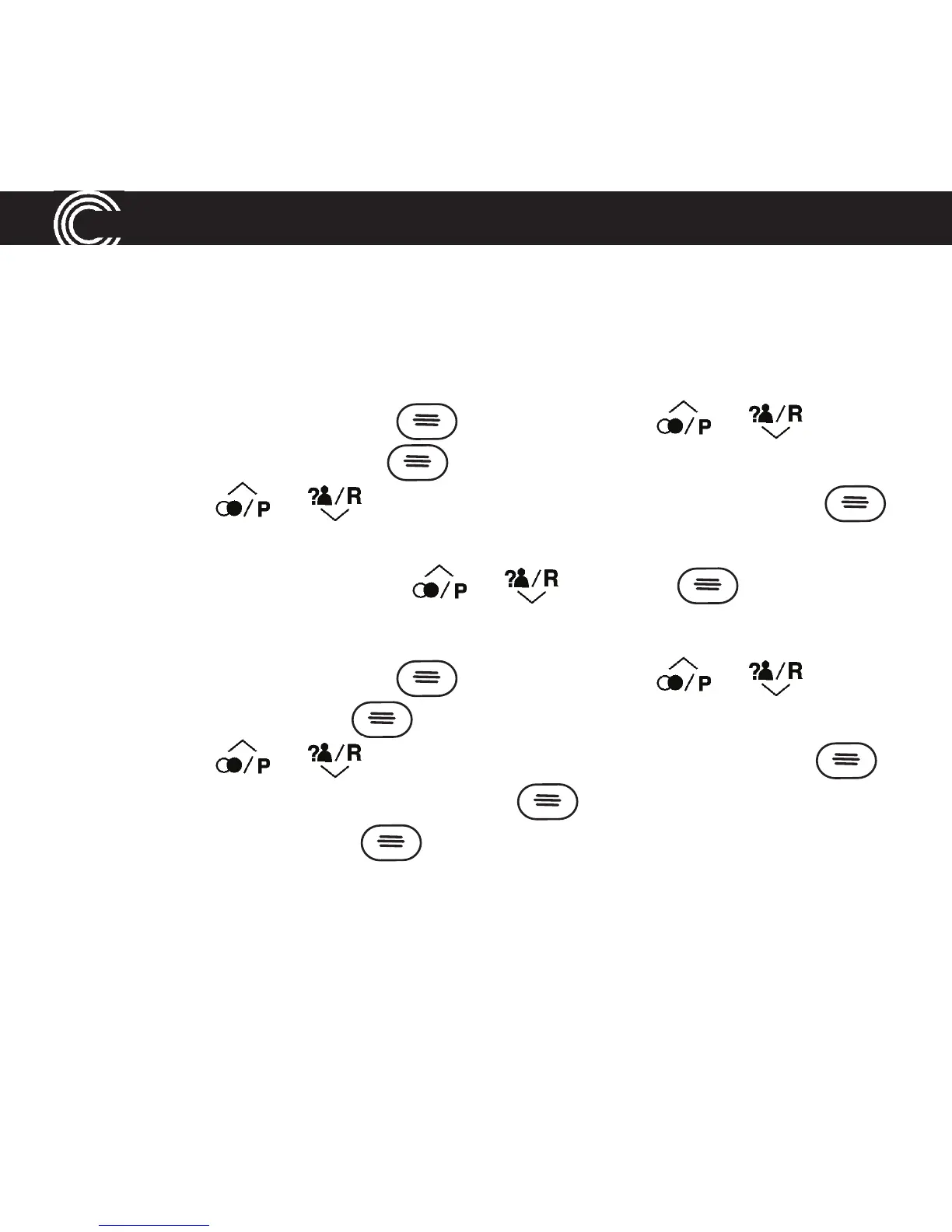
1. Open your menu by pressing , then scroll using or until you
highlight Settings and press .
2. Scroll using or until you highlight Change Case and press .
3. The current setting is marked (e. g. ® ABC).
4. Change the case setting using or and press .
Change date/time
1. Open your menu by pressing , then scroll using or until you
highlight Time and press .
2. Scroll using or until you highlight Date & Time and press .
3. Enter the day, month and year and press .
4. Enter the hours and press .
32
USING YOUR MENU















 To Next Page