Helpline 0844 800 6503 (See page 58 for costs and hours of operation)
Change clock hours to 12- or 24-hour format display
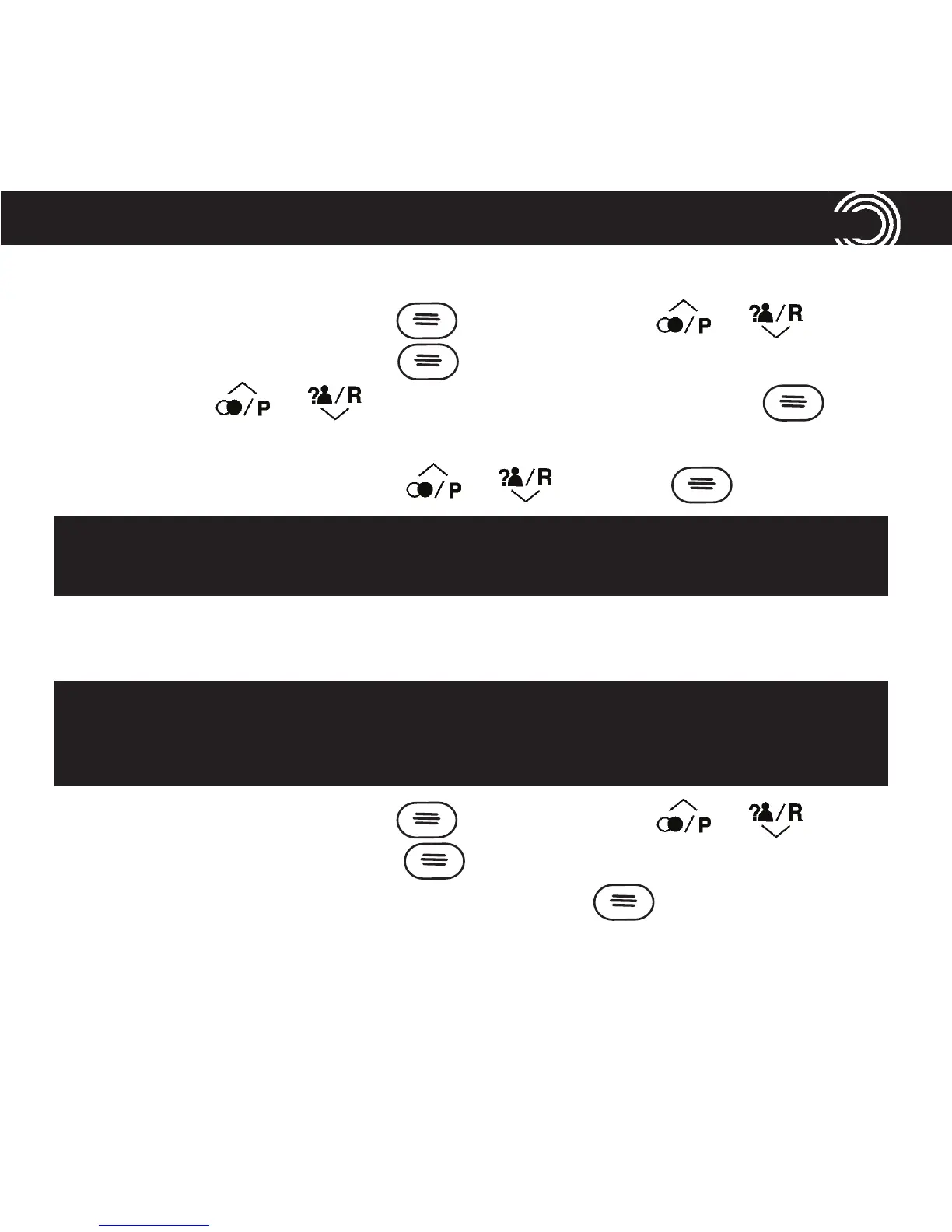
1. Open your menu by pressing , then scroll using or until
you highlight Time and press .
2. Scroll using or until you highlight Format and press .
3. You’ll see the current time format setting (e.g. 24 hour).
4. Change the time format using or and press .
Reset to default settings
1. Open your menu by pressing , then scroll using or until
you highlight Reset and press .
2. Enter the System PIN (default = 0000) and press . The phone will be
reset.
For information on dial mode, please go to page 54.
For information on recall, please go to page 54.
Note: your phone book, calls and redial lists and any answering machine
messages will be deleted if you reset your corded phone to its default set-
tings.
33
USING YOUR MENU















 To Next Page