Helpline 0844 800 6503 (See page 58 for costs and hours of operation)
Delete a single calls list entry
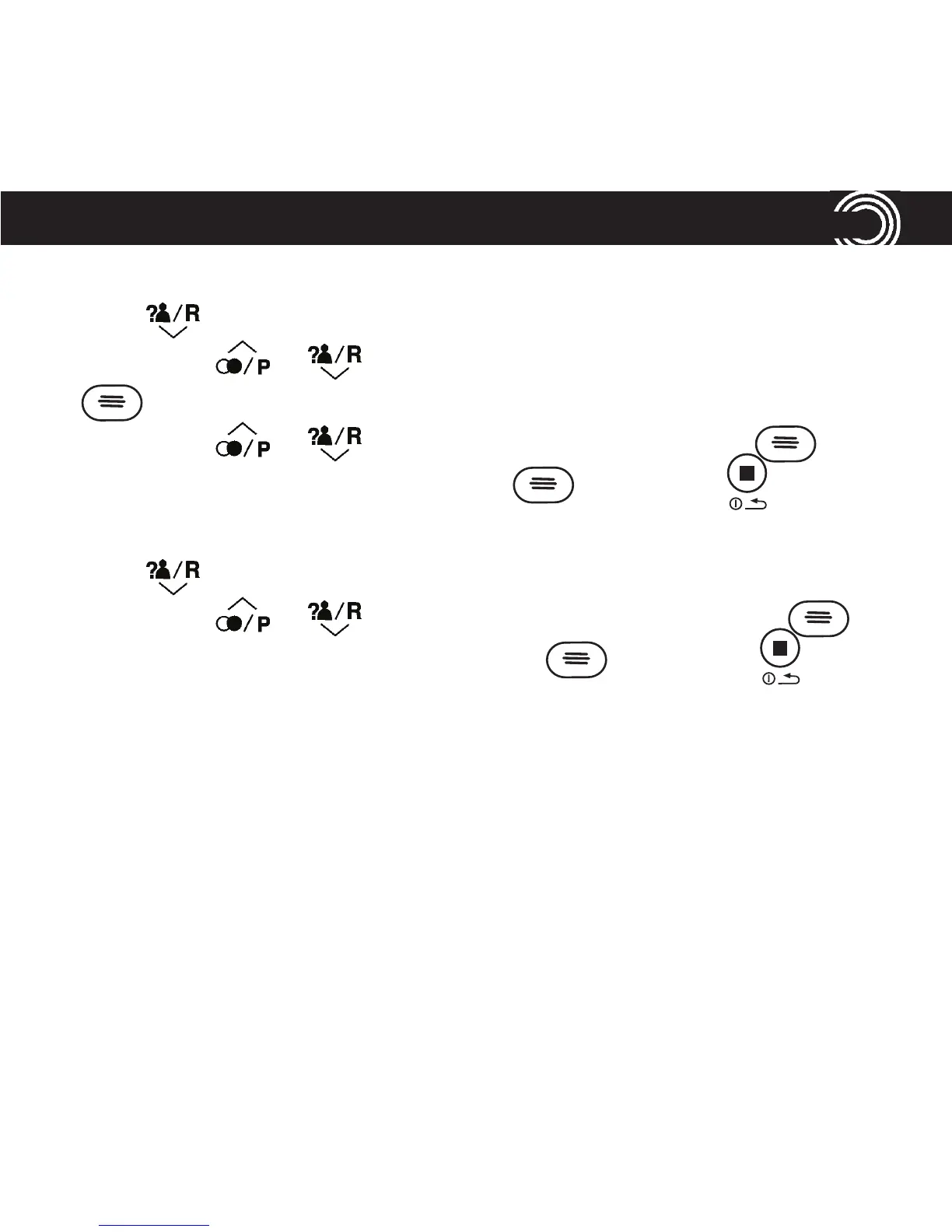
1. Press to open your calls list at the most recent entry.
2. Scroll using or to nd the entry you want to delete and press
.
3. Scroll using or until you highlight Delete and press .
4. You’ll see Delete? on your display. Press to conrm or to cancel.
Delete all entries in the call list
1. Press to open your calls list at the most recent entry.
2. Scroll using or until you highlight Delete All and press .
3. You’ll see Delete All? on your display. Press to conrm or to cancel.
41
USING YOUR CALLS LIST















 To Next Page