5
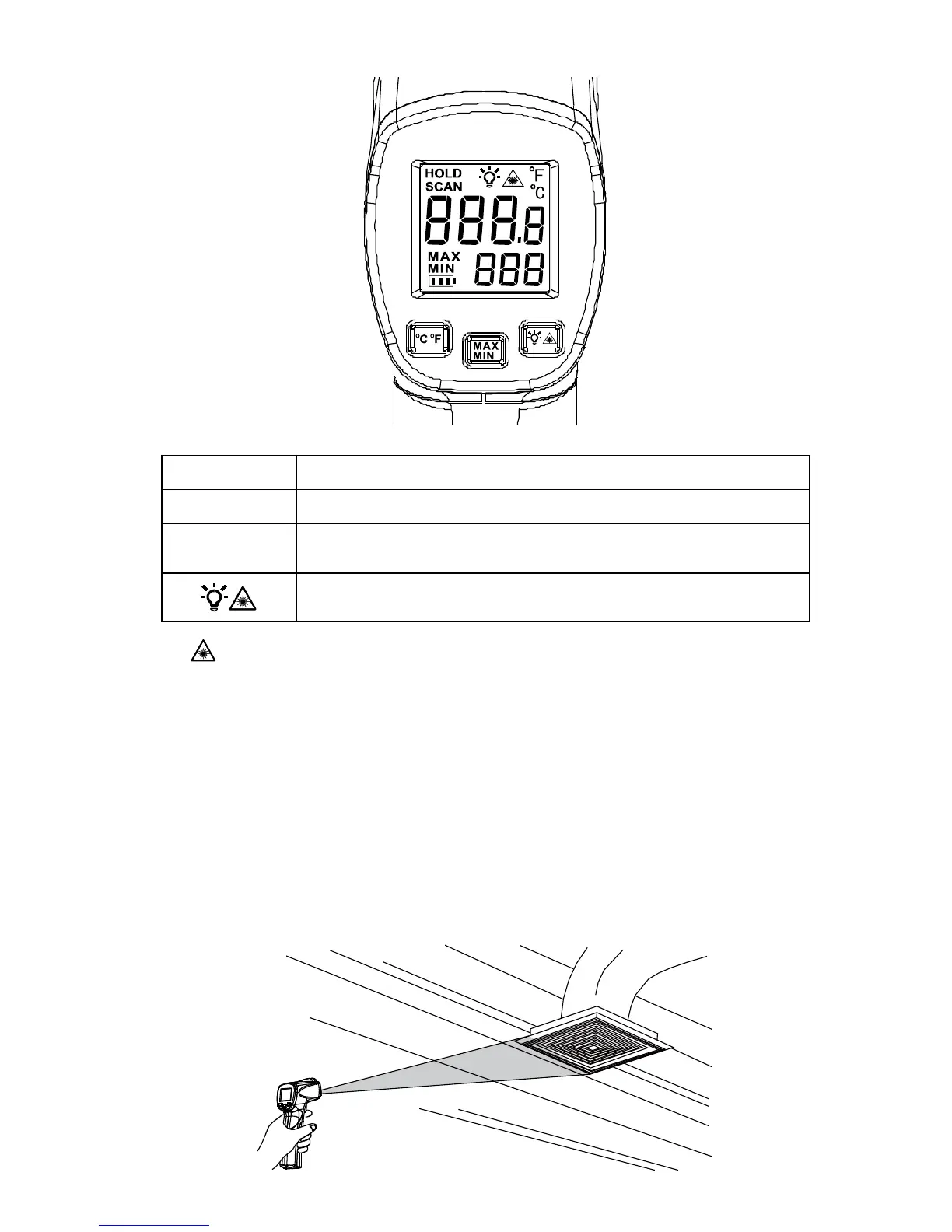
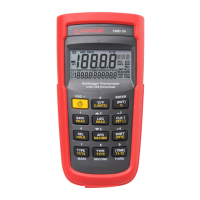
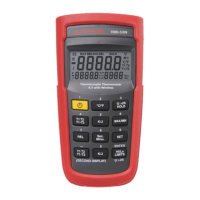
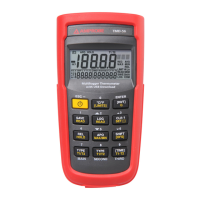
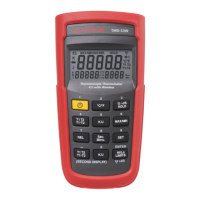
Button Description.
°C°F Toggle between Celsius and Fahrenheit.
MAX
MIN
Toggle between MAX and MIN options. MAX or MIN reading is
displayed on the secondary display.
Turn off or on the laser.
Turn off or on display backlight.
Laser
To avoid injury, do not point the laser directly at eye or indirectly off reflective
surfaces.
The thermometer is equipped with a laser used for aiming purposes only. The laser turns
off when the trigger is released.
To enable or disable the laser:
1. Press button to enable or disable the laser. Symbol appears on the display when laser
is enabled.
Locating a Hot or Cold Spot
To find a hot or cold spot, aim the thermometer outside the target area. Then, slowly
scan across the area with an up and down motion until you located the hot or cold
spot.


 To Next Page